
Affiliate disclosure: As an Amazon Associate we earn from qualifying purchases. Links to Amazon in this post may earn us a commission at no extra cost to you. Learn more.
This guide is for anyone shooting photos or video on a mirrorless, DSLR or compact camera who wants to buy a full-size SD card without decoding the alphabet soup printed on it. We have not tested any of the cards below. The specs come from Kingston’s product page and from retailer listings that reproduce the SanDisk and Lexar specifications, because SanDisk’s and Lexar’s own pages would not load for us. Treat the figures as maker claims and check your camera’s manual for what it needs.
What matters when buying
Capacity class and format. SDHC cards go up to 32GB and use FAT32, while SDXC cards start at 64GB and use exFAT. Kingston’s page, for instance, notes that its 32GB card uses FAT32 and larger sizes use exFAT. Most modern cameras handle both, but older ones may not read SDXC.
Write speed beats read speed. Headline numbers like 200MB/s are usually read speeds, which help when you copy files to a computer. What keeps video from dropping frames and lets your camera clear its buffer after a burst is sustained write speed, which is lower and is the number you should look for.
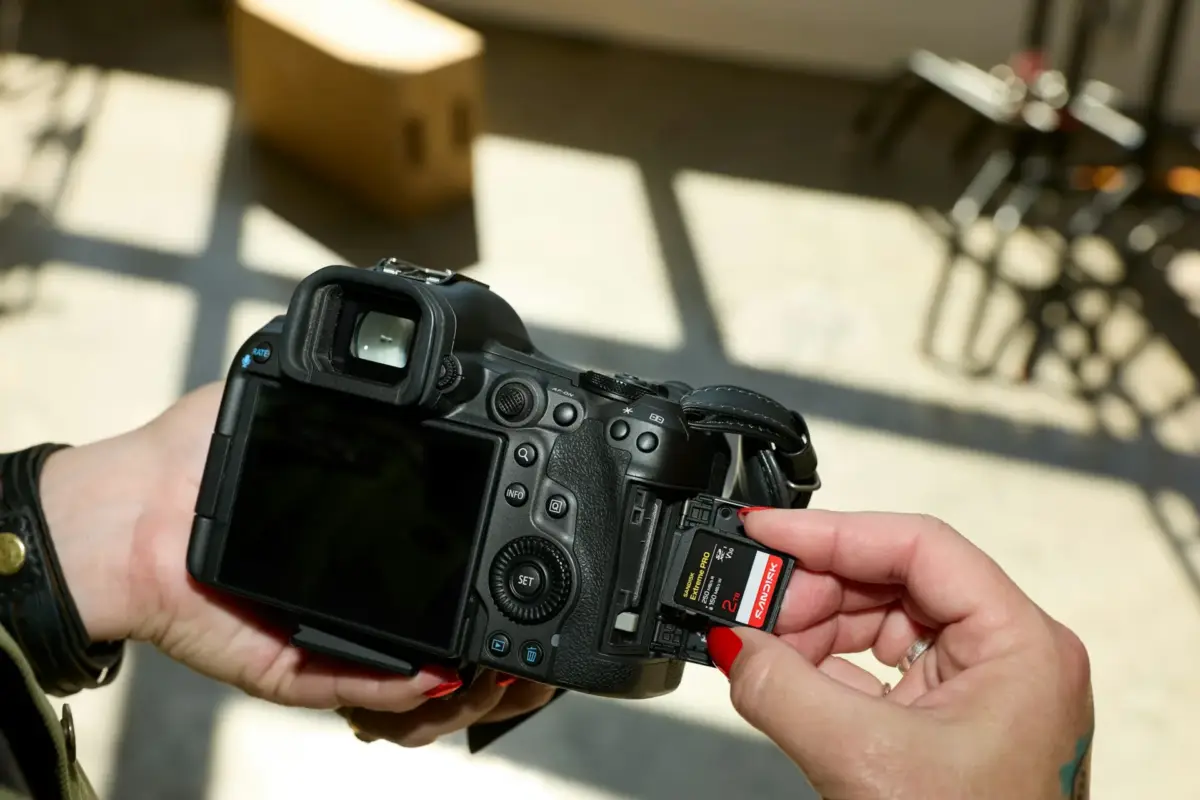
The video speed class. V30 guarantees a minimum sustained write speed of 30MB/s, V60 guarantees 60 and V90 guarantees 90, and U3 is the older equivalent of 30. Your camera’s manual will say what it asks for. High-bitrate formats can call for V60 or V90, while everyday 4K often works with V30, but verify this for your specific camera and recording mode.
UHS-I versus UHS-II. UHS-II cards add a second row of pins for much faster transfers. They fit older slots and fall back to UHS-I speeds there, so you only get the benefit if your camera and card reader both support UHS-II.
What to ignore. Marketing numbers that change by capacity without saying so, and extra badges such as waterproof, shockproof and X-ray proof, which help only in unusual situations. Do check the warranty, since memory cards are warranted for different periods by region.
Quick picks
SanDisk Extreme PRO SDXC UHS-I. Suits photographers and videographers with a UHS-I camera who want a well-known all-rounder. Retailer listings of SanDisk’s specification show up to 200MB/s read and 140MB/s write, UHS-I, U3, Class 10, V30 and a limited lifetime warranty. The drawback is that it is a UHS-I card, so it will not take advantage of a UHS-II slot and may not cover the highest-bitrate video modes. Search for it on Amazon.
Kingston Canvas React Plus. Suits cameras that support UHS-II and need sustained speed. Kingston’s page lists up to 300MB/s read and 260MB/s write, UHS-II, Class 10, U3 and V90, an operating range of -25 to 85 degrees Celsius, capacities of 32GB, 64GB, 128GB and 256GB, and a lifetime warranty. Drawbacks: the speeds only appear in a UHS-II camera or reader, the page lists nothing larger than 256GB, and it makes no claim of water resistance. Search for it on Amazon.
Lexar Professional 1066x SDXC UHS-I. Suits budget-conscious shooters who want a V30 card with a high read speed. Retailer listings of Lexar’s specifications show up to 160MB/s read, U3 and V30 on UHS-I. The drawback is that write speed varies by capacity: those listings show about 70MB/s on a 64GB card and about 120MB/s on a 128GB card, so compare the exact size you plan to buy. Search for it on Amazon.
We did not find hands-on reviews we could verify line by line for these exact cards, so use this as a shortlist to check against current reviews and your camera’s manual.
Common mistakes
The first is buying for the read speed on the label and ignoring write speed and the V rating. The second is paying for UHS-II when the camera is UHS-I and gets nothing from it. The third is buying from an unknown marketplace seller: counterfeit memory cards exist, so buy from the manufacturer or an authorized reseller and test any new card by filling it and checking the files. The fourth is formatting on a computer instead of in the camera; format in the camera so the file structure matches what it expects. Finally, do not leave your only copy of a shoot on the card. A fast portable SSD makes offloading quick. Action cameras, drones, handheld consoles and many phones use microSD cards instead, and our microSD Express guide covers those.
Bottom Line
Match the card to the camera. For a UHS-I camera, a V30 card such as the SanDisk or Lexar is usually enough on paper. If your camera supports UHS-II and you shoot demanding video or fast bursts, the Kingston’s V90 rating is the one to look at. Check the camera manual, check the exact capacity’s write speed, and buy from a reputable seller.
FAQ
What does V30 mean on an SD card?
It is a video speed class that guarantees a minimum sustained write speed of 30MB/s. V60 and V90 guarantee 60 and 90MB/s, and higher classes are meant for higher-bitrate video.
Will a UHS-II card work in my UHS-I camera?
Yes, it should work, but it will run at UHS-I speeds. You only get UHS-II speeds if both the camera and your card reader support UHS-II.
Is a bigger SD card always better?
Not necessarily. More capacity holds more shots, but speed ratings and write speeds matter more for video and bursts, and some cards write slower at smaller capacities.
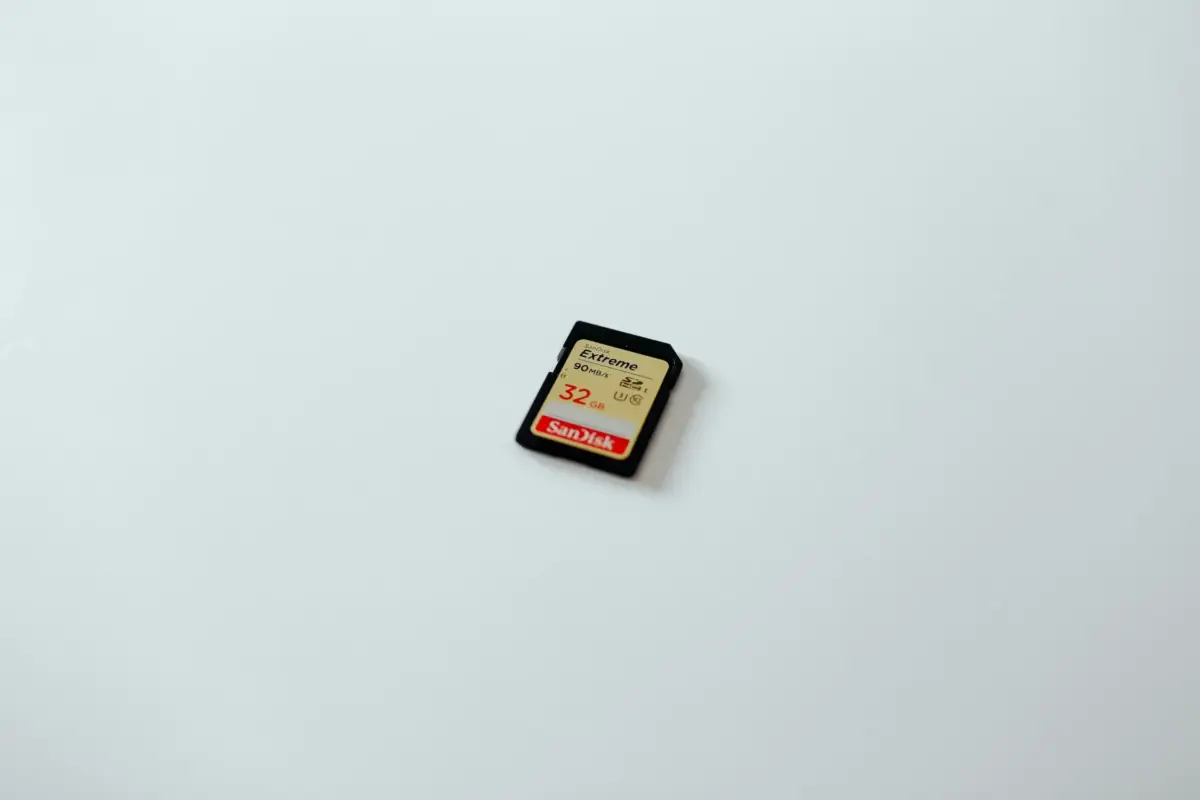
Featured image: Photo by Tom Pumford on Unsplash (generic stock photo of an SD card).

No comments yet. Be the first to share your thoughts below.