
Affiliate disclosure: As an Amazon Associate we earn from qualifying purchases. Links to Amazon in this post may earn us a commission at no extra cost to you. Learn more.
This guide is for anyone who needs to carry large files without cloud uploads: photographers and video editors moving footage, students backing up a laptop, or people with a full phone or console who want more room. Nobody here has tested these drives hands-on. Everything below is based on manufacturer specifications, retailer listings and published reviews, and we name the source where it matters.
What matters when buying a portable SSD
The connection sets the ceiling. Most mainstream portable SSDs use USB 3.2 Gen 2, which tops out at 10 Gbps and roughly 1,000 MB/s in practice. Faster drives use 20 Gbps or Thunderbolt/USB4, but they only run at full speed if your port and cable support it. If your laptop has an older port, a faster drive will not be faster. Check your ports before paying for speed you cannot use.
Rated speed versus sustained speed. Headline numbers are peak figures. Large transfers can slow once the drive’s fast cache fills, and heat can slow it further. The Crucial X9 review at Funky Kit measured maximum write speed slightly below 1,000 MB/s and noted the drive stayed cool, reaching up to 45 degrees Celsius under maximum load. For everyday file copies, the difference between 800 and 1,000 MB/s hardly matters.
Capacity. Buy more than you think you need. Video, game libraries and photo archives grow faster than expected.
Durability and protection. If the drive rides in a bag, look at drop and dust ratings. Samsung lists the T7 Shield for IP65 dust and water protection and a 3 m drop test, though the company says results may vary. If you carry sensitive files, hardware encryption is a plus.
What to ignore: colors and marketing names. The model that matters is the one whose interface and rated speeds fit your port.
Quick picks
Three different priorities, not a ranking.
Samsung T7 Shield
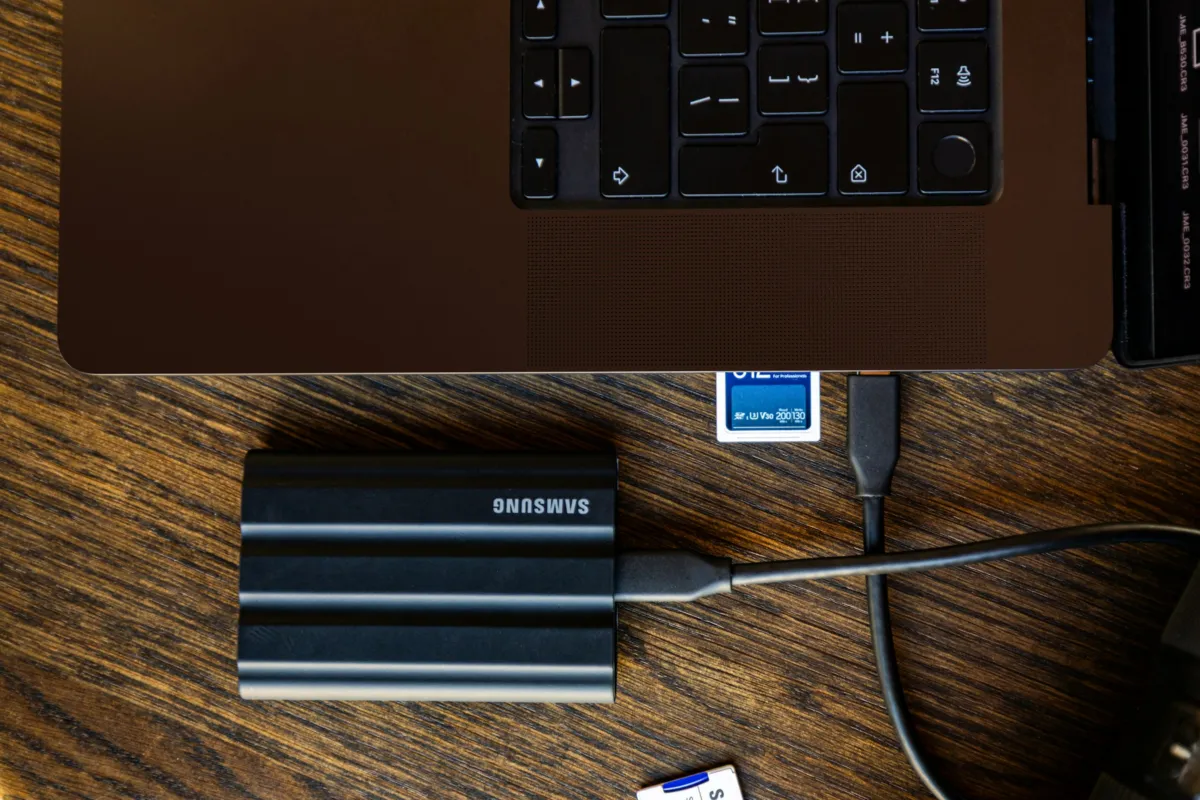
Who it suits: people who carry a drive in a bag and want extra protection. Strengths: Samsung’s product page lists USB 3.2 Gen 2 (10 Gbps), sequential read up to 1,050 MB/s and write up to 1,000 MB/s, 1TB, 2TB and 4TB capacities, IP65 dust and water protection, a 3 m drop rating, 98 g weight and a limited three-year warranty. Digital Camera World’s review praised the rugged rubber casing and called it basically a T7 with extra durability, and noted it supports AES 256-bit hardware encryption. Drawback: the same review says the durability premium often is not worth it and that the speeds are far from the quickest on the market. Search for it on Amazon.
SanDisk Extreme Portable SSD V2
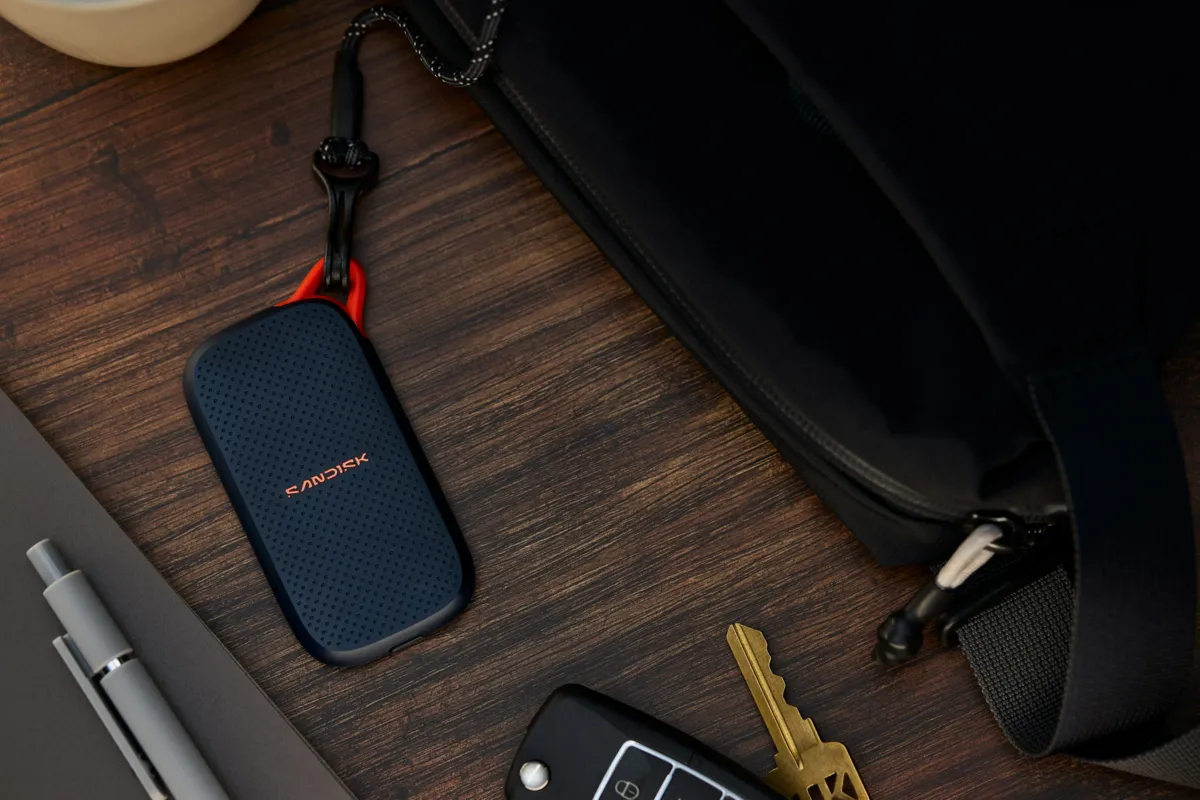
Who it suits: people who want a compact, light drive for the camera bag. Strengths: a South African retailer listing for the 1TB model gives up to 1,050 MB/s read and 1,000 MB/s write over USB 3.2 Gen 2 Type-C, a 3 m drop rating, 256-bit AES hardware encryption and a weight of 52 g. Digital Camera World’s T7 Shield review, for what it is worth, describes the Extreme V2’s speeds as comparable to the Samsung’s. Drawback: the listing was inconsistent about its water and dust rating (it showed both IP55 and IP65), so check the box or SanDisk’s own page before relying on one. Search for it on Amazon.
Crucial X9
Who it suits: people who want fast, cool-running storage and do not need encryption. Strengths: Funky Kit’s review pages list USB 3.2 Gen 2 (10 Gbps), 1,050 MB/s declared read speed, drop protection up to 7.5 feet (about 2.3 m), a three-year limited warranty and 1TB, 2TB and 4TB capacities, and the reviewer called it one of the coolest portable SSDs on the market. Drawback: the regular X9 does not include encryption, and the page says only the X9 Pro carries an IP55 rating, so this one has no dust and water rating listed. Search for it on Amazon.
Common mistakes
Ignoring the cable and port. A drive limited to 10 Gbps will not go faster on a faster port, and the reverse is also true: the wrong cable can hold back a fast drive.
Using it as your only backup. An SSD can fail or be lost. Keep important files in a second place.
Expecting it to speed up older gadgets. Consoles and phones have their own rules about what external drives can do, so check your device’s documentation before buying. Our guide to the capture card covers recording, and the USB-C hub guide helps when you are short of ports. If your gadget uses memory cards instead, see our guide to microSD Express cards for Switch 2.
Paying for protection you do not need. A drive that stays on a desk does not need a drop rating. The T7 Shield’s reviewer made a similar point about stationary use.
Bottom Line
For most people, any of these USB 3.2 Gen 2 drives is fast enough, and the right choice comes down to protection and encryption. The T7 Shield is the tough one, the SanDisk is the light one and the Crucial X9 is the plain, cool-running one. Match the drive to your port, buy extra capacity and back up what matters.
FAQ
Is a portable SSD better than an external hard drive?
It is generally faster and has no moving parts, which helps in a bag. A hard drive can offer more capacity for the money, so it can make sense for large archives you rarely touch.
Will a portable SSD work with my phone or console?
It depends on the device. Many phones and laptops with USB-C can read an SSD, but consoles and some phones limit what an external drive can be used for. Check your device’s own support page.
Do I need hardware encryption?
Only if you carry sensitive files. Samsung’s T7 Shield and the SanDisk Extreme V2 list AES 256-bit hardware encryption, while the Crucial X9 review says the regular X9 does not include it.
Featured image: Photo by Sandisk on Unsplash.


No comments yet. Be the first to share your thoughts below.