
Affiliate disclosure: As an Amazon Associate we earn from qualifying purchases. Links to Amazon in this post may earn us a commission at no extra cost to you. Learn more.
This guide is for anyone whose laptop or monitor speakers sound thin and who wants something better on a desk without buying a full hi-fi setup. Desktop speakers are one of the simplest audio upgrades, but the spec sheets are full of numbers that do not mean much on their own. Here is what to look at, what to ignore, and three speaker systems that show the trade-offs. Everything below is based on manufacturer specs and published reviews; we did not test these ourselves.
What matters when buying
Inputs decide how easy the speakers are to live with. Check what your sources actually output. A laptop usually has a 3.5 mm jack or USB-C, a TV or console may have optical, and a turntable needs RCA inputs (and a preamp if the turntable does not have one). Bluetooth is handy for phones but is rarely the best connection for desk use, because it adds delay and some compression.
Power ratings are easy to misread. Watts are the most prominent number on the box, yet they say little about how good a speaker sounds. What helps is knowing whether the figure is RMS (continuous) or peak (a brief burst), because a peak number can be several times larger than the RMS number for the same speaker. For a desk at normal listening distance, almost any of the speakers below is loud enough. Do not pay extra for a bigger number.
Size and layout matter more than most people expect. A 2.0 pair is two speakers; a 2.1 system adds a separate subwoofer that needs floor or desk space and a power outlet. Measure your desk, and think about whether you want the speakers at ear height. Many sets have a physical bass and treble control, which is more useful than it sounds if your room or desk boosts the low end.
What to ignore: frequency-response ranges quoted without a tolerance (such as 55 Hz to 20 kHz with no plus or minus figure), surround-sound claims on a two-speaker system, and RGB lighting.
Quick picks
Edifier R1280DB: for people with several sources
Who it suits: someone who wants one pair to handle a PC, a TV, a console and maybe a turntable.
- Edifier lists 42 W RMS in total (21 W per side) and four drivers: two 4-inch bass drivers and two 0.5-inch silk-dome tweeters.
- Inputs include optical, coaxial, two sets of RCA and Bluetooth (listed as version 5.1 by Edifier), plus a remote and bass, treble and volume dials on the side.
- A review on What’s The Best rates the sound as strong for the category and the build as attractive.
Drawback: the same review reports occasional Bluetooth problems, says vocals can get muddy at very high volumes, and notes that the small remote cannot change bass or treble, which are only on the speaker. These are bookshelf-sized speakers, so they take more desk space than the others. View Edifier R1280DB on Amazon.
Logitech Z407: for bass on a small desk
Who it suits: someone who wants a compact 2.1 system with a subwoofer and a simple way to control it.
- Logitech lists a ported, down-firing subwoofer and inputs for Bluetooth, micro USB and a 3.5 mm jack, with support for up to three devices.
- A wireless control dial adjusts volume and bass and has a stated range of 20 meters.
- TechRadar calls the system surprisingly impressive for its size, with a strong subwoofer for its size and a warm, mid-focused sound.
Drawback: TechRadar says the bass can overpower other frequencies at higher volumes, the dial takes time to learn, and the satellites still connect to the subwoofer with RCA cables. Logitech’s page gives an 80-watt total without saying whether that is peak or RMS, and it lists no optical input. View Logitech Z407 on Amazon.
Audioengine A2+ Wireless: for small, wired-first listening
Who it suits: someone with a small desk who values compact size and a USB connection with a built-in DAC.
- Audioengine’s spec page lists 15 W RMS per channel (30 W peak), 2.75-inch aramid-fiber woofers and 0.75-inch silk-dome tweeters.
- Inputs are USB, 3.5 mm, RCA and Bluetooth with aptX HD, and there is a variable RCA output for adding a subwoofer.
- Each speaker is roughly 6 x 4 x 5 inches according to the spec table, which suits a small desk.
Drawback: the spec page mentions no remote and no optical input, and its table and FAQ disagree on details such as Bluetooth version and latency, so confirm the version you are buying. We could not retrieve a full critical review for this write-up, so treat its sound quality as unverified here and check recent reviews. View Audioengine A2+ Wireless on Amazon.
Common mistakes
- Buying on wattage alone and ignoring whether it is RMS or peak.
- Forgetting a source: if your TV only has optical output, the speakers need an optical input.
- Placing the speakers against a wall or in a corner, which makes bass boomy. Pull them forward and angle them toward your ears.
- Using Bluetooth for everything. A wired or USB connection is usually the better desk choice.
- Ignoring the physical size of a 2.1 system, including the subwoofer and its cables.
Bottom Line
If you have more than one source, the Edifier R1280DB’s input list is the main draw. If you want bass in a small footprint, the Logitech Z407 is the more compact route, according to TechRadar’s review. If your desk is small and you want USB with a built-in DAC, the Audioengine A2+ Wireless fits, with the caveat about missing review detail above. For different listening setups, see our guides to soundbars and portable Bluetooth speakers, or to USB-C headphone DAC dongles if you listen on headphones.
FAQ
Do desktop speakers need a subwoofer?
Not necessarily. Many 2.0 pairs with 4-inch or larger woofers give enough low-end for music and video at normal desk volume. A subwoofer adds deeper bass but takes up space and needs its own power. If you want one later, check that the speakers have a subwoofer output.
Is Bluetooth good enough for desktop speakers?
It is fine for casual music from a phone. For video or gaming, Bluetooth delay can be noticeable, so a wired, USB or optical connection is usually better. Audioengine’s spec page, for instance, cites a Bluetooth latency of about 120 ms, while its FAQ gives a different figure.
What is the difference between RMS and peak power?
RMS is the continuous power an amplifier can deliver, while peak is a short burst. Peak figures are larger and can make a speaker sound more powerful on paper than it is, so compare like with like.
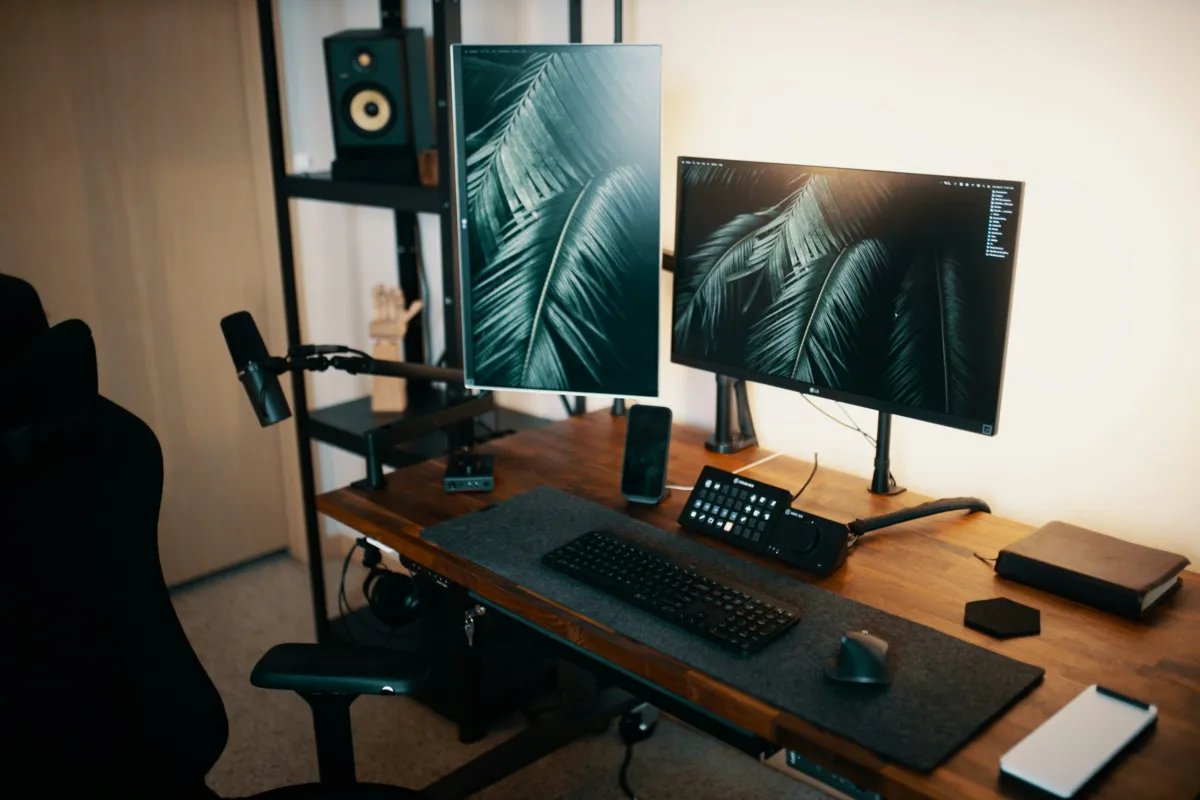
Featured image: Josh Sorenson / Unsplash.
No comments yet. Be the first to share your thoughts below.