
Affiliate disclosure: As an Amazon Associate we earn from qualifying purchases. Links to Amazon in this post may earn us a commission at no extra cost to you. Learn more.
This guide is for readers choosing their first e-reader, or replacing an old one, who want to know whether to pay for color, waterproofing or a bigger screen. It is based on manufacturer specifications and Engadget’s published ereader roundup, not on hands-on testing by us.
What matters when buying
The bookstore comes first. Kindle and Kobo are different ecosystems. Engadget’s roundup says the Kindle gives you access to Kindle’s vast ebook catalog plus library books, while its picks from Kobo come with the caveat that Kobo’s store is not as large as Kindle’s. If most of your library lives in Amazon’s store, a Kindle is the simple path. If you want more openness, a Kobo is worth a look. Switching later means starting over.
Screen size. Six inches suits one-handed reading and a coat pocket. Seven inches, as on the Kobo Libra Colour, gives you more text per page, which helps with larger fonts and comics.
Warm light. A front light that shifts toward amber makes evening reading easier on the eyes. It is the most useful upgrade over the cheapest models, and Engadget lists the base Kindle’s lack of it as a drawback.
Waterproofing. An IPX8 rating means the device is built to survive submersion. That matters for the bath, the pool and the beach, and a lot less on the sofa. Engadget’s listings show it on the Clara Colour, Paperwhite Signature Edition and Libra Colour, but not on the base Kindle.
Color. Color e-paper helps with book covers, comics and highlighting. For plain novels, black and white is perfectly fine, and color panels usually trade away some sharpness. Treat it as nice to have.
What to ignore. Storage figures matter less than they look. Text-based books are tiny, so 16 GB holds a huge library unless you load audiobooks or comics.
Quick picks
Amazon Kindle (2024): for the simplest, cheapest start
Engadget’s best budget pick has a 6-inch screen and 16 GB of storage, with a compact build and strong integration between audio and text. Its drawbacks per Engadget: no warm light, no waterproofing, and it cannot read third-party ebooks. Search for the Amazon Kindle (2024) on Amazon.
Kobo Clara Colour: for most people who want color
Engadget names it the best ereader overall. It has a 6-inch color screen, 16 GB of storage, an IPX8 rating and a warm light. The review praises the customizable settings, responsive touch and crisp text. The drawback is that Kobo’s store is not as vast as Kindle’s. Search for the Kobo Clara Colour on Amazon.
Kindle Paperwhite Signature Edition: for a premium Kindle
Engadget’s best premium pick comes with 32 GB of storage, an IPX8 rating and an auto-adjusting warm light. It praises the crisp text and noticeably faster page turns. The drawbacks: the power button on the bottom edge is easy to hit by accident, there are fewer page and font adjustments than rivals offer, and Engadget says the Signature-only features are not essential. Search for the Kindle Paperwhite Signature Edition on Amazon.
Kobo Libra Colour: for readers who like page-turn buttons
Engadget’s best-with-buttons pick has a 7-inch color screen, 32 GB of storage, an IPX8 rating and a warm light. Reviewers like the premium build, crisp text and the physical buttons, and note that adding a stylus allows margin notes. The drawback is the same as the Clara Colour: Kobo’s store is smaller than Kindle’s. Search for the Kobo Libra Colour on Amazon.
How these were chosen. I did not test any of these e-readers. Every pick, spec and drawback above comes from Engadget’s published ereader roundup, which lists the screen size, storage, waterproofing, warm light and color of each model. I have not added claims that the review does not make, such as battery life figures or screen resolution. Before you buy, open the manufacturer’s product page to confirm the current spec, because Amazon and Kobo refresh these lines regularly and a newer version may have replaced the one reviewed. It is also worth reading the full Engadget article, which goes into how each model behaves in everyday use.
Common mistakes
The biggest one is choosing a device before choosing a store. A reader locked to the wrong ecosystem is more frustrating than a slower screen. The second is paying for waterproofing you will never need, or skipping it when you read in the bath. The third is assuming color is a clear upgrade. It is a trade-off, and a good black-and-white screen with warm light suits plain novels well.
If you take your e-reader on trips, our guide to choosing a power bank and the one on travel chargers help keep the rest of your kit powered.
Bottom Line
Per Engadget, the Kobo Clara Colour is the best all-rounder, the base Kindle the best budget pick, the Paperwhite Signature Edition the best premium Kindle and the Libra Colour the best with buttons. Pick the store you want to live in first, then the features that suit how you read. Always check the current specification page before you buy, because models are refreshed.
FAQ
Is a Kindle or a Kobo better?
Neither wins outright. Kindle has the larger store, while Kobo offers colour and button options in the models Engadget picked. Choose by the store you buy books from.
Do I need a waterproof e-reader?
Only if you read near water. The IPX8 rating is listed on three of the four models above, but not the base Kindle.
Is 16 GB enough for an e-reader?
For text-based books, yes, by a wide margin. Larger storage only matters if you load audiobooks or image-heavy comics.
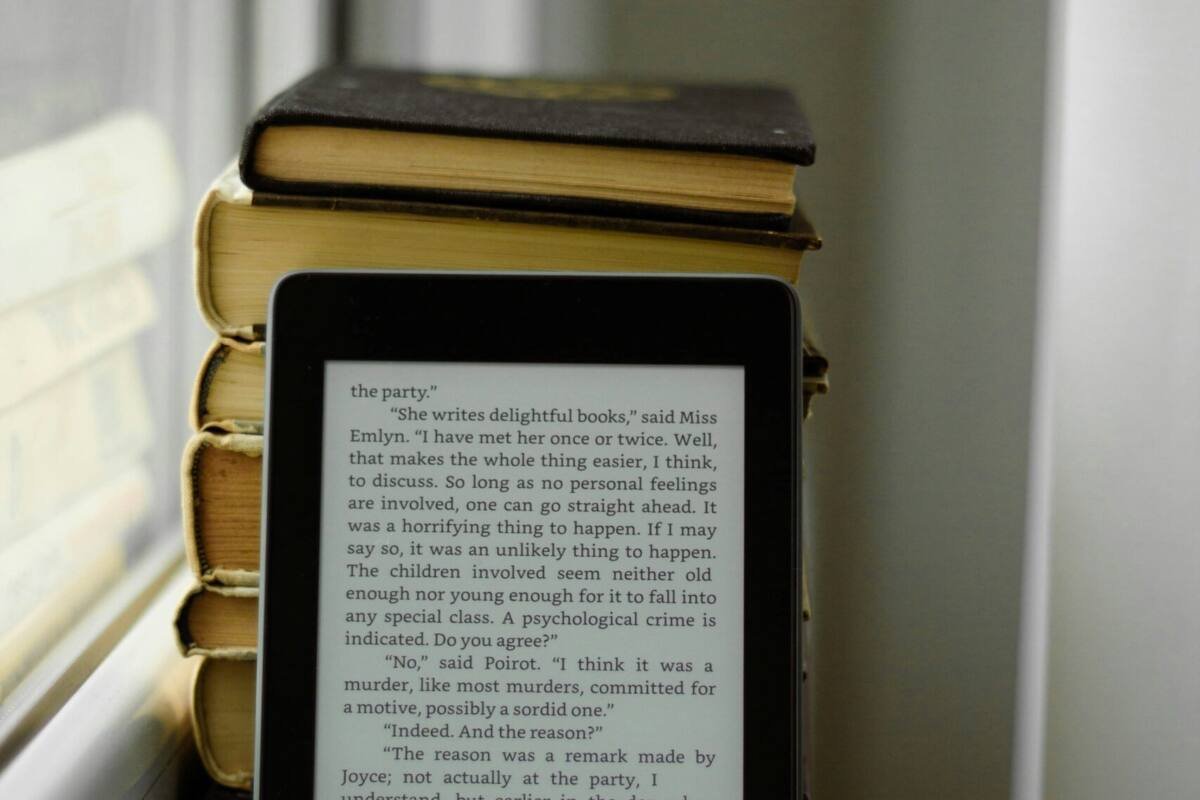
Featured image: Photo by Irina Rybcko on Unsplash.

No comments yet. Be the first to share your thoughts below.