

Google is letting Gemini read your spending. Per 9to5Google, Gemini can now connect to Google Wallet to answer questions about your money, from charting where your cash goes to spotting subscriptions you forgot. It is optional, it is US-only for now, and it raises the usual question about how much of your financial life you want an AI assistant to see.
What Gemini can do with Wallet
According to the report, responses can be “informed by your spending habits.” Gemini can build interactive charts in the chat for cash flow, asset allocation and budgets. It can scan recurring charges across your linked accounts and flag price increases, and it can review last year’s gift and travel spending to suggest a holiday budget. Google describes it as an expansion of Personal Intelligence, the feature that already draws on Gmail, Photos, Search and YouTube.
How your accounts get connected
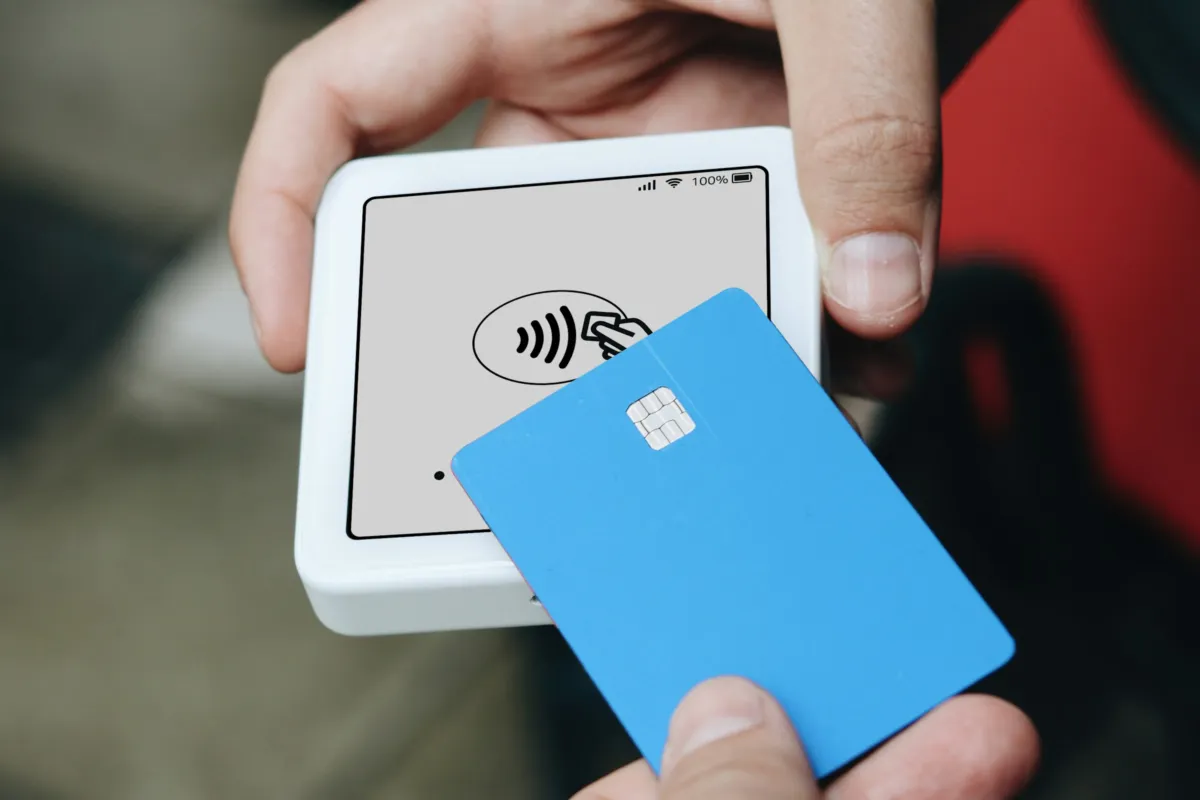
Credit card and bank accounts are linked to Google Wallet through a third-party service, Plaid. Per 9to5Google, the connection is read-only, so Gemini cannot move, manage or invest your money, and you can switch it on or off at any time. It is available in the Gemini app on Android, iOS and the web for US users. To enable it, open Customize, then Connectors, in Gemini. The integration was first spotted back in September, when a 9to5Google report described a gradual Android rollout; this week’s report is the broader launch.
The trade-off
The upside is real. Most people have at least one subscription they stopped using, and an assistant that finds it in seconds is worth something. The cost is that your transaction history now sits behind another AI feature. A September report from Beebom said users need Gemini Apps activity turned on and that their financial questions and the AI’s analysis are then logged, and added that more detail on Plaid-related privacy should come with a wider rollout. Coverage I read does not say which banks and card issuers are supported, how long linked data is kept, or whether the feature costs extra. Those are the questions to answer before you connect anything.
Fair counterpoint: millions of people already hand the same data to budgeting apps that use Plaid, so the technology is not new. What is different is where the answers come from. An AI that explains your spending in plain language can still be wrong, and its charts are not financial advice. Treat the output as a prompt to check your statements, not a replacement for them.
If you want to try it
Start small. Connect one account, ask for a subscription review, and compare the result against your own statement. Review your Gemini activity settings first, and know where the toggle is so you can disconnect. If you use a Pixel, our look at the November Pixel Drop covers the other Gemini features arriving this month.
Bottom Line
Gemini’s Google Wallet connection is a useful, opt-in way to see your spending, with read-only access and an off switch. Whether it is worth it depends on how comfortable you are with the privacy trade-off, and on answers Google has not yet given about data retention and supported banks.
FAQ
Can Gemini spend or move my money through Google Wallet?
No. Per 9to5Google, the connection is read-only: Gemini cannot move, manage or invest your money.
Is the Gemini and Google Wallet feature available outside the US?
The report describes it as available to US users. It does not mention other countries, so check the Connectors menu in your Gemini app to see whether it appears.
How do I turn the connection off?
The feature is opt-in and can be switched off at any time. In the Gemini app, go to Customize, then Connectors, and turn the Google Wallet connection off.
Featured image: Photo by Jakub Żerdzicki on Unsplash.


No comments yet. Be the first to share your thoughts below.