
Affiliate disclosure: As an Amazon Associate we earn from qualifying purchases. Links to Amazon in this post may earn us a commission at no extra cost to you. Learn more.
This guide is for anyone who packs a laptop, a phone and maybe a tablet for trips and is tired of carrying three bricks. A single GaN USB-C charger can replace most of them, but the label on the front rarely tells you what you will really get when several devices are plugged in. Everything below is based on manufacturer specs and published reviews, mainly Android Authority and PCWorld, not our own testing.
What matters when buying a travel charger
Wattage that matches your biggest device
Start with the most power-hungry thing you carry. A phone is happy with a small charger, but a laptop needs a lot more. Look at the label on your laptop’s original charger and aim for something close. Android Authority notes that the 67W Baseus Enercore may be too slow for demanding laptops, which is a good reminder that a charger rated well below your laptop’s charger will still work but charge slowly, or not keep up under heavy use.
What happens when you plug in more than one device
This is the detail that matters most and gets the least attention. A 67W charger does not give 67W to every port. Android Authority lists the Anker Prime 67W as splitting 40W and 20W across two ports, and 45W, 12W and 10W across three. So a multi-port charger is a shared budget, not a promise for every cable.
Folding prongs, ports and PPS
Foldable prongs keep a charger from stabbing the rest of your bag. PCWorld lists foldable prongs on the Anker Prime 67W in US and UK versions. USB PD is the standard fast-charging protocol, and PPS is an extension some phones use for their top speeds, so look for it on the spec sheet if you want your phone at full speed.
What you can ignore
The GaN label is mostly about size: gallium nitride lets makers shrink a charger compared with an older silicon design. It is a good sign, not a performance guarantee. Also, no charger changes the shape of the plug. For international trips you still need a plug adapter, and you should check that the charger’s label shows a 100-240V input range before you travel.
Quick picks
Baseus Enercore CJ11 67W
Best for travelers who hate carrying a cable. Android Authority named it its top travel pick and an Editor’s Choice. It has two USB-C ports plus a built-in retractable USB-C cable, delivers 67W via USB PD on either port or the attached cable, supports PPS, and its prongs fold nearly inside the body. The drawbacks: 67W may be too slow for demanding laptops, and the retractable cable is a moving part that could fail. Find the Baseus Enercore on Amazon.
Anker Prime 67W GaN Wall Charger
Best for one-bag trips with a laptop, phone and one more gadget. Android Authority picked it as best overall. It has two USB-C ports and one USB-A port, a top USB-C output of 65W, and 93% efficiency in its testing. PCWorld also noted foldable prongs in US and UK versions. The drawback is price: Android Authority called it a bit pricey, and the output splits as the ports fill up. Find the Anker Prime 67W on Amazon.
Anker Nano 3 30W
Best for a phone and a small tablet in a light bag. Android Authority called it the best value pick. It has a single USB-C port, foldable plugs and weighs about 74 grams. The drawback is that it has only one port and, per the review, can get warm while charging. It also will not keep a larger laptop going. Find the Anker Nano 3 30W on Amazon.
If you carry two laptops or a gaming handheld, Android Authority also recommends the Razer USB-C 130W GaN and the Satechi 165W four-port charger for travel, though it notes the Satechi is heavy at 447 grams.
Common mistakes
The first is buying on total wattage alone. A big number on the box can hide a small number on each port. The second is pairing a strong charger with a weak cable, which can cap the speed. The third is assuming a US charger fits foreign outlets without an adapter. The fourth is buying a single-port 30W charger for a laptop that needs 65W. If you also carry a battery pack, our guide on how to choose a power bank covers that side of the bag, and how to choose a portable SSD covers another piece of travel kit worth packing.
Bottom Line
Pick the charger by what you actually carry. A phone and tablet only need something like the Anker Nano 3. A laptop plus a phone points toward a 65W to 67W model, where the Baseus Enercore and Anker Prime 67W earned Android Authority’s travel and overall nods. And no matter which you choose, check the per-port split before you assume it will charge everything at once.
FAQ
Can I use a US USB-C charger in Europe or the UK?
Only with a plug adapter, and only if the charger’s label shows an input range that covers the local voltage, usually 100-240V. The charger does not change the plug shape, so the adapter does that job.
Is a 30W charger enough for a laptop?
It depends on the laptop. Small, efficient laptops may charge slowly on 30W, while many need 45W to 65W or more. Check the wattage on your laptop’s original charger and match it where you can.
What does GaN actually mean for a charger?
GaN stands for gallium nitride, a semiconductor that lets manufacturers build chargers smaller than older silicon designs at the same power. It affects size more than charging speed, so still check the wattage and port split.
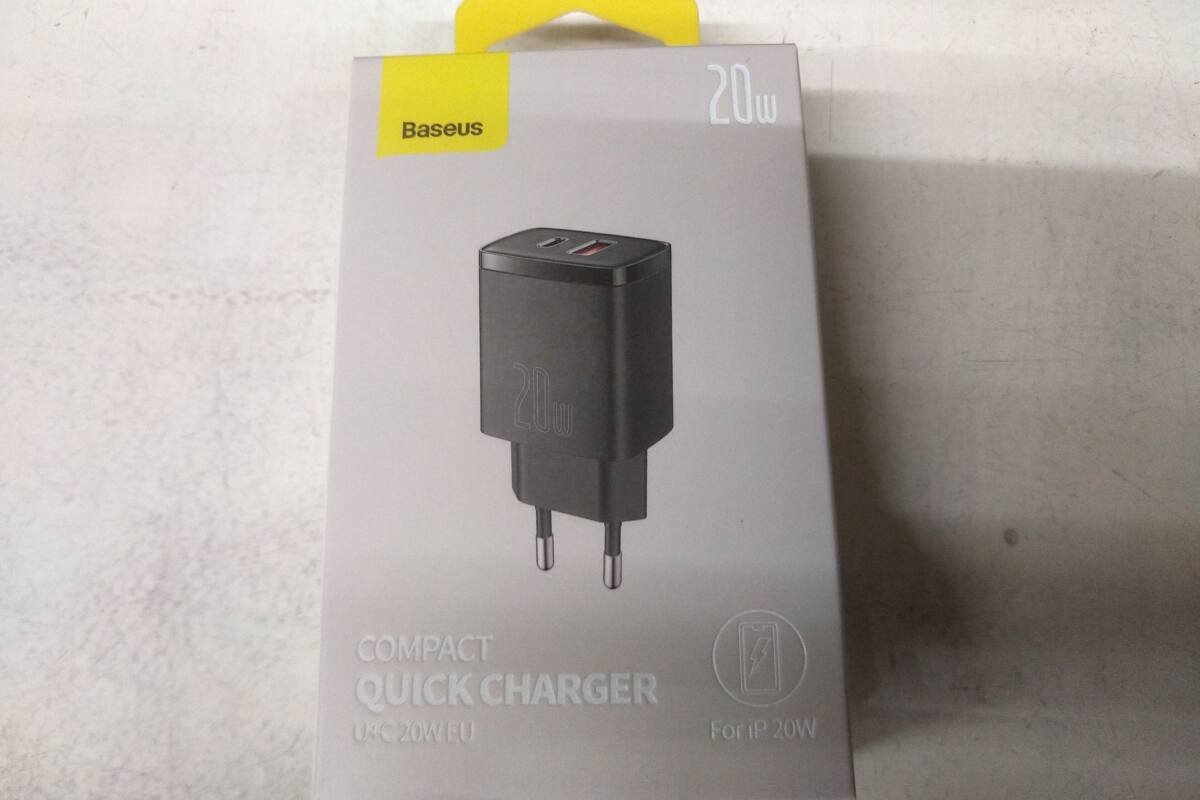
Featured image: Photo by Imgrenb on Wikimedia Commons (CC0). A Baseus USB charger, shown as a generic example, not one of the picks.


No comments yet. Be the first to share your thoughts below.