
Affiliate disclosure: As an Amazon Associate we earn from qualifying purchases. Links to Amazon in this post may earn us a commission at no extra cost to you. Learn more.
This guide is for anyone whose monitor sits on a fixed stand that never quite lines up with their eyes, or whose desk is cramped by a bulky base. A monitor arm frees desk space and lets you move the screen where you want it. We explain what actually matters, then walk through four arms worth a look. To be upfront about method: nobody here has tested them. The picks rely on manufacturer specs and Tom’s Guide’s monitor arm roundup, which was last updated in September 2025, and we name the source for each claim.
What matters when buying a monitor arm
Weight rating comes first. Every arm has a weight range, and your monitor has to fall inside it. Screen size is only a rough guide, because a heavy 27-inch panel can weigh more than a light 32-inch one. Look up your monitor’s weight without its stand. Ergotron, for example, lists 7 to 25 lb for the LX Desk Monitor Arm and says typical LCDs up to 34 inches suit it.
VESA holes on the back of the monitor. Most arms attach to a 75 x 75 mm or 100 x 100 mm pattern, and Ergotron lists both for the LX. If your monitor has no VESA holes, you will need an adapter or a different monitor.
Lift and reach. A longer height range and reach make it easier to sit or stand at different heights. Tom’s Guide lists a 13 inch lift for the Ergotron LX and 6.3 inches for the Amazon Basics stand, a difference you will feel if you share a desk or change posture through the day.
How it attaches to the desk. Clamp or grommet mount, and desk thickness. Ergotron says the LX’s low-profile clamp fits worksurfaces from 25 to 35 mm thick, with other kits for thinner tops. Glass, hollow or very thin desks need extra care, so read the mounting notes first.
Dual or single. Two monitors on one arm are cheaper and tidier, but the arms often move less freely and cannot always be set at different heights, as Tom’s Guide notes for the Mount-It! dual option.
What to mostly ignore. Finish colour and the number of joints. Pick the movement range you will actually use, not the longest spec list.
Quick picks
Ergotron LX Desk Monitor Arm: the simple, well-supported option
Who it suits: People with one monitor up to about 34 inches who want something solid and long-lived. Tom’s Guide calls it its best simple arm.
Strengths: Ergotron lists a 7 to 25 lb capacity, a 13 inch lift range, 360-degree pan and rotation, and a 10-year warranty. Tom’s Guide also likes the premium build and the choice of two pole heights.
Drawback: Tom’s Guide says it is expensive for what you get.
Ergotron LX Desk Monitor Arm on Amazon
Amazon Basics Monitor Stand: the budget pick
Who it suits: People who want an arm without spending much. Tom’s Guide names it its best budget option.
Strengths: It supports monitors up to 30 inches with a 6.3 inch lift according to Tom’s Guide, which also notes it is inexpensive and easy to install.
Drawback: Tom’s Guide says it feels cheap and has a limited range of motion. Amazon Basics sells several arms, so check that the listing you pick matches your monitor’s weight and size.
Amazon Basics monitor arms on Amazon
Mount-It! Full Motion Dual Monitor Mount: a cheaper way to run two screens
Who it suits: Anyone with two matching monitors and a limited budget. Tom’s Guide names it its best cheap dual-monitor arm.
Strengths: Tom’s Guide says it handles screens up to 32 inches, is relatively easy to set up and is cheap.
Drawback: Placement is limited, and the arms cannot be set at different heights. Mount-It! sells many dual mounts, so match the model number to your monitors.
Mount-It! dual monitor mounts on Amazon
AVLT Single 13 to 43 Inch Monitor Arm: for big and ultrawide screens
Who it suits: People with a very large or ultrawide monitor that smaller arms cannot carry. Tom’s Guide names it its best arm for large screens.
Strengths: It supports up to 43 inches with a 23 inch lift, and Tom’s Guide lists a built-in USB hub and a strong build.
Drawback: Tom’s Guide calls it a bit pricey with slightly complicated setup.
AVLT single monitor arm on Amazon
Common mistakes
The biggest one is buying by screen size alone and ignoring weight. An arm that is too weak droops, and one that is too strong may be hard to adjust. Check your monitor’s weight against the arm’s range before you click.
A second mistake is skipping the desk check. Measure the desk thickness and look at what it is made of, and make sure there is room behind it for the clamp. A third is forgetting cables. Leave slack so the screen can move, and use the arm’s cable channel if it has one.
If you are still choosing the screen itself, our guides to choosing a 1440p monitor and choosing a portable monitor cover refresh rate, panel type and connections, and our laptop stand guide helps if your second screen is a laptop.
Bottom Line
For one monitor up to about 34 inches, the Ergotron LX is the safe, well-supported choice according to both Ergotron’s specs and Tom’s Guide. The Amazon Basics option suits tighter budgets, the Mount-It! dual mount suits two matching screens, and the AVLT arm is the one to look at if your monitor is large or ultrawide. Whatever you pick, match the weight and VESA pattern first.
FAQ
How do I know if a monitor arm will hold my monitor?
Check the arm’s weight range and VESA pattern against your monitor’s spec sheet, using the weight without the stand. If the monitor is close to either end of the range, look at a different arm.
Do I need a gas-spring arm?
Not necessarily. Gas-spring arms move easily and hold position, which suits people who change height often. If you set the screen once and leave it, a simpler arm can be enough.
Can I use a monitor arm on a glass or thin desk?
Only if the maker says the mount suits it. Many clamps need a solid surface of a minimum thickness, and thin or glass tops may need a reinforcement plate. Check the mounting notes before buying.
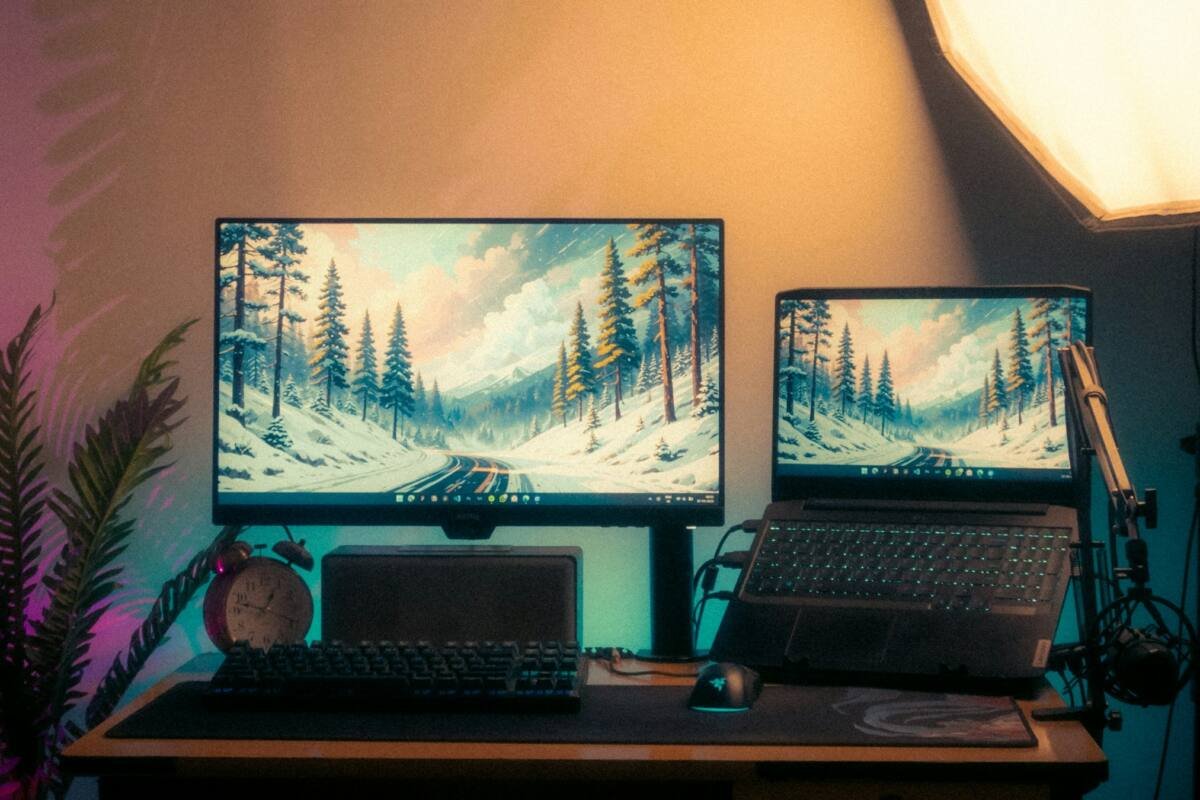
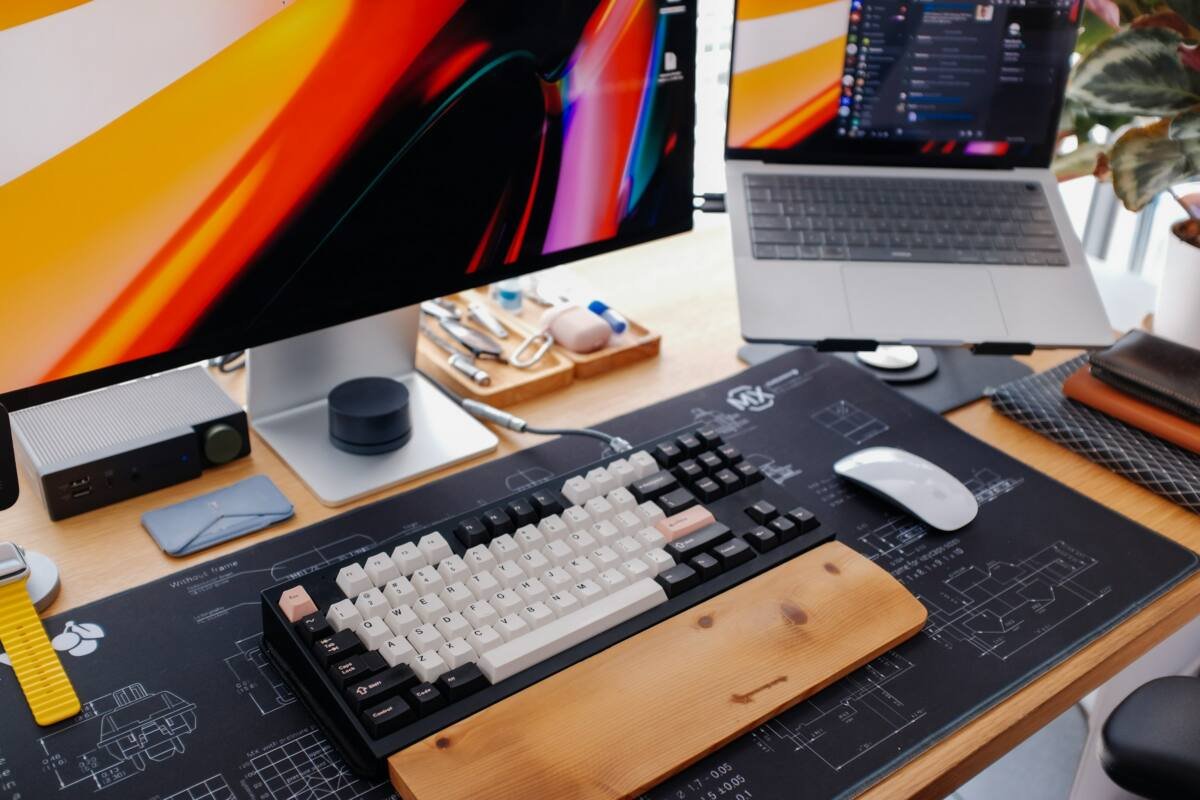
Featured image: Photo by Subhra Jyoti Paul on Unsplash. Inline image: Photo by Huy Phan on Unsplash. Both used under the Unsplash License.


No comments yet. Be the first to share your thoughts below.