
Affiliate disclosure: As an Amazon Associate we earn from qualifying purchases. Links to Amazon in this post may earn us a commission at no extra cost to you. Learn more.
This guide is for anyone with a desktop PC, a home-office setup, a router or a small NAS that would hate a sudden power cut. A UPS (uninterruptible power supply) is a battery that takes over in a blink so your gear can save its work and shut down cleanly. We have not tested any of the models below. Everything here is based on manufacturer specs, and where a manufacturer’s page left something out we say so instead of filling the gap.
What matters when buying
Know what a UPS is for. It bridges short outages and gives you time to shut down. It is not a generator. CyberPower’s own page for the CP1500PFCLCD quotes about 2.5 minutes at full load and about 10 minutes at half load with new batteries, which is typical of the category. If you want hours of power, that is a job for a portable power station, not a UPS.
Watts matter more than VA. VA is the big number on the box, but watts are the real limit. Add up what you plan to plug into the battery-backed outlets and leave headroom. Our rule of thumb is to stay under about 70 to 80 percent of the watt rating, which keeps the unit out of overload alarms and makes the runtime a little better.
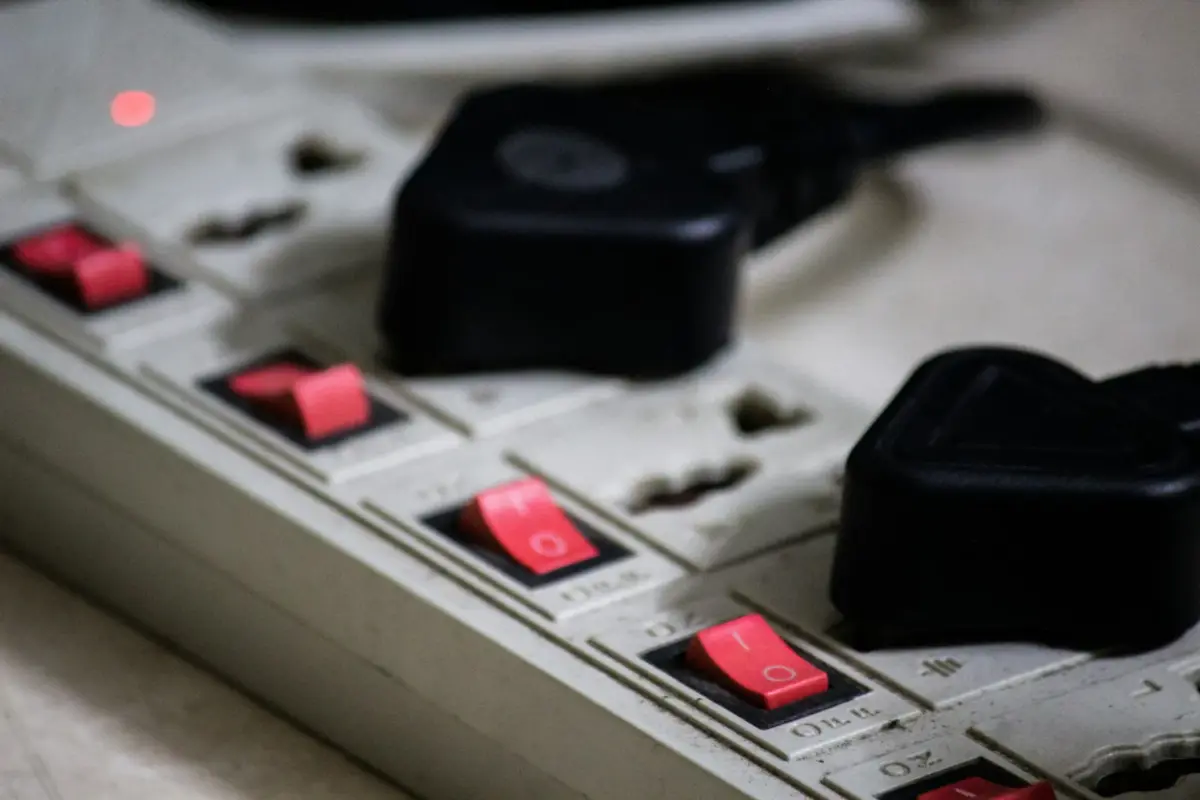
Battery outlets versus surge-only outlets. Most units have two groups of sockets. Only some are backed by the battery; the rest only provide surge protection. Plug the PC, monitor and router into the battery side and put the printer and speakers on the surge side. CyberPower, for example, lists 12 outlets on the CP1500PFCLCD with six battery-backed and six surge-only.
Waveform. This is the spec most buyers skip. Some units output a simulated sine wave on battery and others a pure sine wave. Many power-supply makers say modern desktop PSUs with active power factor correction (PFC) can misbehave on a simulated wave, so a pure sine model is the safer choice for a gaming or workstation PC. For routers and laptops it matters less.
Voltage regulation (AVR). Automatic voltage regulation corrects small sags and surges without dropping to battery, which saves battery wear in places with unstable mains power.
What to ignore. Huge insurance numbers in the marketing (read the fine print on what the guarantee actually covers) and the joule rating, which we covered in our surge protector guide.
Quick picks
CyberPower CP1500PFCLCD. Suits desktop PC owners who want pure sine wave output. CyberPower lists 1500VA and 1000W, a sine wave output both on AC and on battery, a tilting color LCD, single-boost AVR with an 88 to 144 VAC input range, and a USB-A plus a USB-C charging port that share 3.1A. The warranty is three years and, per the page, covers the batteries as well as the unit. The honest drawback is the short runtime: about 2.5 minutes at full load and 10 at half load, according to CyberPower. Search for it on Amazon.
APC Back-UPS BE600M1. Suits a router, modem and a low-power computer or laptop setup. APC’s listing shows 600VA and 330W, seven outlets with two of them surge-only, one USB charging port, data line protection and audible alarms for power changes, and a replacement battery is available. The drawback is information rather than design: the product page does not state the battery waveform, the included warranty or runtime, so check the datasheet before you buy. At 330W it is also not meant for a gaming PC. Search for it on Amazon.
APC Back-UPS BX1500M. Suits a mid-range desktop with a monitor and networking gear. APC lists 1500VA and 900W, ten NEMA 5-15R outlets and AVR, with a replacement battery available. The drawback is again missing detail: the page we checked does not state the waveform on battery, the USB ports or the included warranty, and its title mentions an LCD while its feature list describes LED indicators. If you run a PFC power supply, confirm the waveform in the datasheet first. Search for it on Amazon.
We did not find hands-on reviews we could check line by line for these exact models, so we are leaning on the manufacturers’ own pages. Treat this as a shortlist to verify, not a ranking.
Common mistakes
The first is plugging a laser printer, space heater or any heating appliance into the battery outlets; they draw too much power and will overload a UPS. The second is buying on VA alone and ending up with a unit that cannot carry the PC. The third is ignoring battery age. Sealed batteries wear out, commonly in a few years, and a UPS with a dead battery gives you surge protection but no backup. The fourth is skipping the software: connect the USB data cable and enable automatic shutdown, otherwise the PC just runs until the battery dies. If you are protecting storage, our NAS buying guide explains why a clean shutdown matters for drives.
Bottom Line
Pick the UPS from your load, not from the brand. For a router and light computing, the 600VA APC class is enough. For a desktop PC, the CyberPower with its pure sine output is the cleaner match on paper. The APC 1500VA unit sits in the middle once you confirm its waveform and warranty. Whatever you choose, plan to replace the battery when it ages.
FAQ
How much VA do I need?
Start with the watts your devices draw, add them together and leave 20 to 30 percent spare. Choose a UPS whose watt rating clears that number, not just its VA figure.
How long will a UPS run my PC?
Only a few minutes at heavy load. CyberPower’s own figures for the CP1500PFCLCD are about 2.5 minutes at full load and 10 at half load, which is plenty for a safe shutdown but not for working through an outage.
Do I need a pure sine wave UPS?
It is the safer option for desktop PCs with active PFC power supplies, according to many power supply makers. For routers, modems and laptops, a simulated sine wave unit is usually fine.
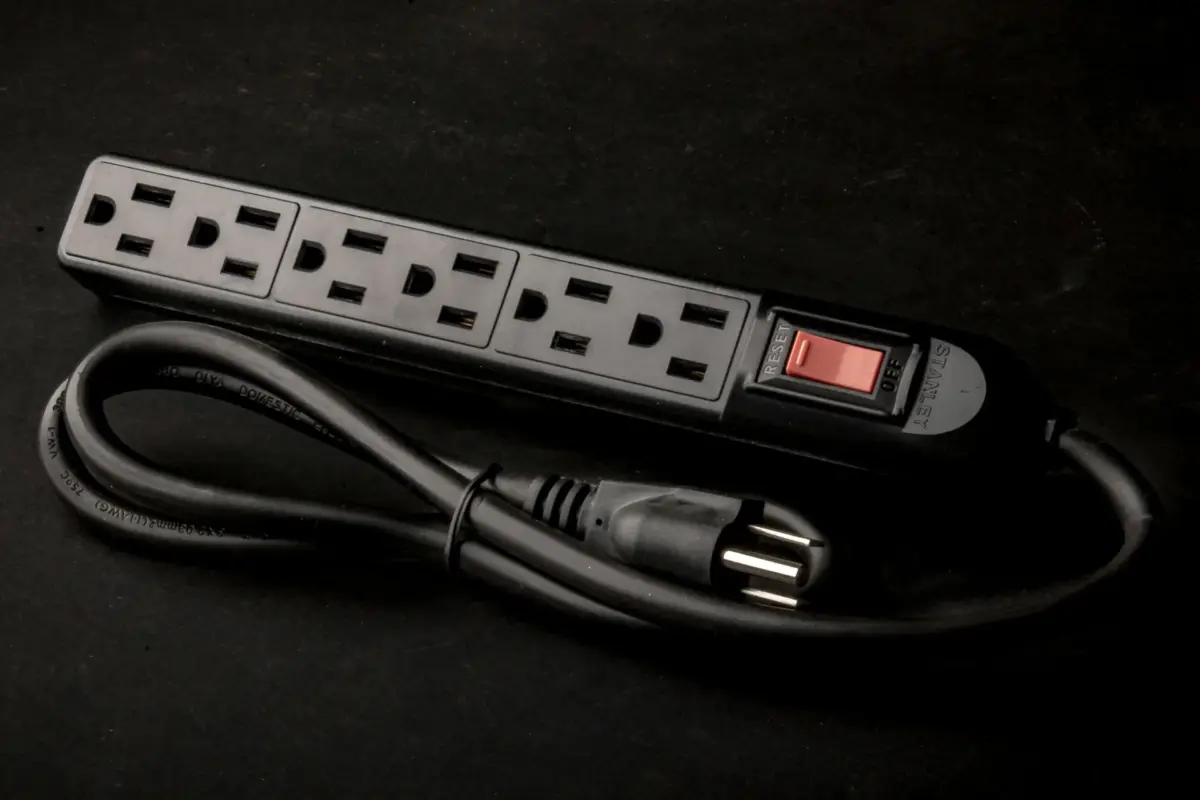
Featured image: Photo by David Thielen on Unsplash (generic stock photo of a power strip).


No comments yet. Be the first to share your thoughts below.