
Affiliate disclosure: As an Amazon Associate we earn from qualifying purchases. Links to Amazon in this post may earn us a commission at no extra cost to you. Learn more.
This guide is for anyone who spends hours on video calls, streams or records at a desk and looks washed out, shadowy or orange on camera. A key light is the cheapest fix that actually changes how you look, often more than a better webcam. Below is what to check before buying, four lights worth considering, and the mistakes that waste money. This is based on manufacturer specs and published reviews, not our own hands-on testing.
What matters when buying
Brightness, measured honestly. Lumens give a rough idea, but many lights only reach their top number with a strong power source. Elgato, for example, publishes how output drops as available wattage falls. A light that is bright on paper and dim off a weak USB port will disappoint you.
Adjustable color temperature. A range from warm (around 2,700 to 2,900 K) to cool (6,500 to 7,000 K) lets you match a window or the room’s bulbs. Mismatched light is why some people look orange on one side and blue on the other.
Color accuracy (CRI). This number describes how faithfully skin and objects look under the light. Values in the low 90s are good for a desk light; there is little reason to pay extra chasing a higher figure.
Power and control. Some lights run from USB and are controlled by buttons or a desktop app, others use Wi-Fi and a phone app. Decide whether you want a cable to your PC, a wall adapter, or both.
Mounting. A desk clamp keeps the light off your desk, while a small stand suits a tight space. Check that it fits your desk thickness and that you can angle it to the side rather than straight at your face.
What to ignore. RGB color effects add little to a clean face-lighting setup, and a huge lumen figure matters less than control and soft, even output. If your webcam is also weak, see our guide to choosing a webcam, since light and camera work together.
Quick picks
Elgato Key Light: for a permanent streaming desk
Elgato lists up to 2,800 lumens, a 2,900 to 7,000 K range, Wi-Fi control through its Control Center app on Windows, macOS, iOS and Android, and Stream Deck integration. A desk clamp with an adjustable height arm is included. Windows Central praised the slim panel, low heat output and flexible controls. The drawback is cost: the same reviewer called it excellent but expensive, noted that it only produces white light, and said two lights give the best result. See Elgato Key Light on Amazon.
Elgato Key Light Air MK.2: for USB power and a lighter footprint
Elgato’s page says this light reaches roughly 2,100 lumens with a 27 W or higher source, with a color range of 2,900 to 7,000 K and a CRI above 94. It works over USB, Wi-Fi or Bluetooth (Bluetooth is used for Wi-Fi setup), has onboard touch controls, a desk clamp and a MagSafe ring. The drawback is power: Elgato says you need about 30 W for full brightness, output falls to around 400 lumens at 7.5 W, and the P30 power supply is sold separately. See Elgato Key Light Air MK.2 on Amazon.
Logitech Litra Beam: for a compact USB desk light
Windows Central lists 320 lumens, 2,700 to 6,500 K and a CRI of 93, with a USB-C connection, Logitech G Hub control and three standard 1/4-20 mounting points. GamesRadar’s review praised the adjustable stand and even, diffused light. Published brightness figures differ between sources, so treat the maximum as a few hundred lumens. The drawbacks: Windows Central notes the included cable is short, and GamesRadar says USB power limits peak brightness (its reviewer measured roughly 58 percent on their PC) and that there is no phone app. See Logitech Litra Beam on Amazon.
Logitech Litra Glow: for a small desk and a tight budget
GamesRadar describes a claimed 250 lumens, USB-C connection, a height-adjustable stand and G Hub presets, calling the panel bright and punchy for the money. Logitech’s own page highlights its TrueSoft diffuser and says G Hub controls brightness, color temperature and power. The drawback GamesRadar flagged is a stiff, short cable that may need stretching to reach front or top ports. It will not light a large space as well as the Elgato models. See Logitech Litra Glow on Amazon.
Common mistakes
Putting the light straight in front of you. That flattens your face and is uncomfortable. Move it to one side and slightly above eye level, and use window light or a lamp on the other side for balance.
Mixing color temperatures. A cool light plus warm room bulbs gives you a split look. Set the key light close to the dominant light in the room or switch the room lamps off.
Ignoring the power source. If you plan to run a USB light from a laptop port, read the manufacturer’s notes on brightness at lower wattage before you buy.
Fixing audio last. People see you poorly lit and hear you badly. If sound is the weak link, our USB microphone guide is the next step.
Bottom Line
If you want an always-on, app-controlled light for a streaming desk, the Elgato Key Light is the most full-featured of the four on paper, with cost as the main objection in the Windows Central review. If you only have USB power or a small desk, the Litra Beam and Litra Glow are simpler. Match the light to your power source and your room before you pick on lumens alone.
FAQ
Do I need a key light for video calls?
Not always. If you sit facing a large window in daytime, you may be fine. A key light helps when your room is dim, you work in the evening, or window light comes from behind you.
How many lumens do I need for a desk setup?
There is no single number. A light placed close to you needs far less output than one used in a bright room, and what matters is how much of the rated output you actually get from your power source. Check the maker’s notes on power rather than relying on the headline figure.
Is a ring light better than a panel light?
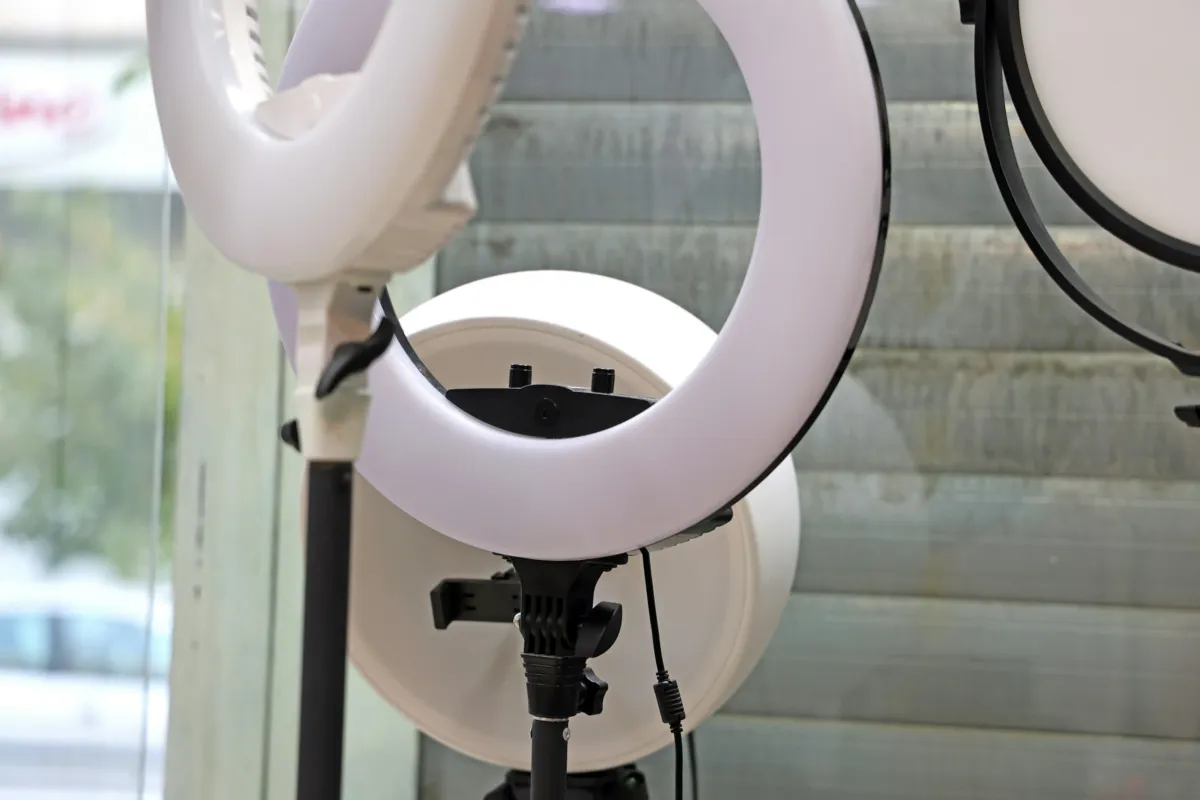
Neither is better in general. Ring lights put a circular reflection in the eyes and suit close-up face shots; panel lights are slimmer, sit off to the side and usually give softer, more natural shadows for calls and streams.
Featured image: Photo by Maria on Unsplash.

No comments yet. Be the first to share your thoughts below.