
Affiliate disclosure: As an Amazon Associate we earn from qualifying purchases. Links to Amazon in this post may earn us a commission at no extra cost to you. Learn more.
This guide is for anyone plugging a PC, TV, console or home office into a power strip and wondering whether the cheap one from the drawer is good enough. We cover the numbers that actually matter, what to ignore, and three surge protectors worth a look. A note on method: nobody here has tested them. The picks are based on manufacturer specifications and Tom’s Guide’s surge protector roundup, and we name the source for each claim.
What matters when buying a surge protector
Know the difference first. A plain power strip only adds outlets. A surge protector adds a component that diverts excess voltage. Look for the words “surge protector” or “surge protection” and a stated joule rating, not just a row of sockets.
Joules. A joule rating is how much energy the unit can absorb before it stops protecting. Higher is better. Tom’s Guide says 2,000 joules and above is generally adequate for most electronics and game consoles, while the compact 900 joule units in its roundup offer less headroom.
It wears out. Most units use metal oxide varistors, which degrade with each large surge, and Tom’s Guide says to look for a warning light or a switch that shows when protection is spent. That is why an old strip is not a safe assumption. If its indicator is dark, or you have had a lightning storm nearby, replace it.
Safety certification. In the US, UL 1449 is the safety standard for surge protective devices. A UL or equivalent listing on the product page is a better sign than a long list of marketing claims.
Outlet layout and USB. Chunky power bricks block neighbouring sockets, so spacing matters more than the outlet count. USB ports are handy for phones, but the wattage is shared, as the Anker below shows.
What to mostly ignore. Huge connected-equipment warranties. They come with conditions, so read them before you treat them as a reason to buy.
Quick picks
Anker 351 Power Strip: lots of outlets and USB in one
Who it suits: A desk with a lot of gear and a few devices to charge. Tom’s Guide names it its best overall surge protector.
Strengths: Anker lists 12 AC outlets, one USB-C port rated up to 20W and two USB-A ports, with a total AC output of 1,875W. Tom’s Guide gives it a 2,100 joule rating and says you can toggle between surge protection and grounded protection, with a flat plug.
Drawback: Anker says the 20W USB-C output is only available when both USB-A ports are idle, and Tom’s Guide notes evenly spaced outlets may be too close together for bulky plugs. Anker’s page does not list UL 1449.
Anker 351 Power Strip on Amazon
Belkin 12-Outlet PivotPlug: high joules and room for big adapters
Who it suits: Home theatres and PC setups with several bulky adapters that need space.
Strengths: Belkin lists 4,320 joules, 12 surge-protected outlets of which eight pivot, an 8 foot cord, a 400 volt clamping figure and LED indicators for surge and ground status. The page says it is UL safety certified and includes a connected equipment warranty.
Drawback: Belkin’s page lists no USB charging ports, so you would still need a separate charger. It also does not state a specific UL 1449 rating, only UL safety certification.
Belkin 12-Outlet PivotPlug on Amazon
ECHOGEAR ShockBlocker 8: for audio and entertainment gear
Who it suits: A TV, soundbar and console setup where noise on the line matters. Tom’s Guide lists it for entertainment centres and audio equipment.
Strengths: Tom’s Guide gives 8 outlets, 3,420 joules, 58 dB of EMI and RFI noise filtering, indicator lights that go dark when protection is used up, and a 5 year warranty. We took these figures from that review and did not confirm them on the maker’s own page.
Drawback: Tom’s Guide says it has limited plugs and no USB ports.
ECHOGEAR ShockBlocker 8 on Amazon
Common mistakes
The classic one is chaining one strip into another. That can overload the wall circuit and defeat the protection, so plug each strip directly into the wall. The second is putting high-draw appliances such as space heaters on a surge protector, which is not what these are built for. Check the rated total watts and amps, which for both the Anker and the Belkin are 15 amps and 1,875W.
Third, never replacing the old one. After a big storm or years of use, swap it. If you are also building a smarter setup, our smart plug guide covers load ratings, and our travel charger guide is useful when you want protection on the road too.
Bottom Line
Tom’s Guide picks the Anker 351 as its best overall surge protector. If you want a bigger joule rating and room for large adapters, the Belkin PivotPlug looks strong on paper, and the ECHOGEAR suits a living-room stack. Choose by outlet layout and joule rating, check that it carries a safety listing, and replace it if the protection light goes out.
FAQ
How many joules do I need?
Tom’s Guide says 2,000 joules and above is generally adequate for most electronics and game consoles. More joules means more energy absorbed before the protection is used up.
How do I know when a surge protector has stopped protecting?
Look for a protection indicator light. Tom’s Guide notes the ECHOGEAR’s lights stop glowing when protection is used up, and Belkin lists LED indicators for surge and ground status. If the light is off, replace the unit.
Is a surge protector the same as a power strip?
No. A basic power strip only adds outlets. A surge protector includes protection hardware and should list a joule rating. Check the product page to see which one you are buying.
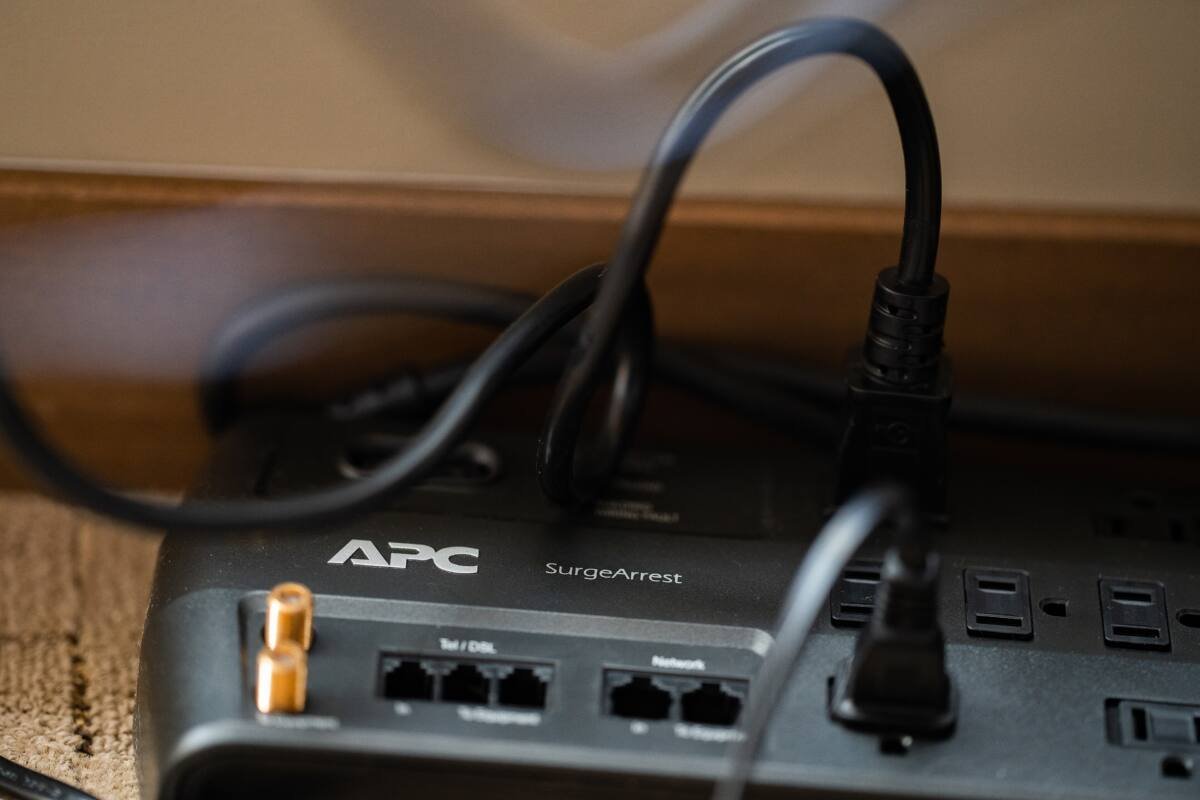
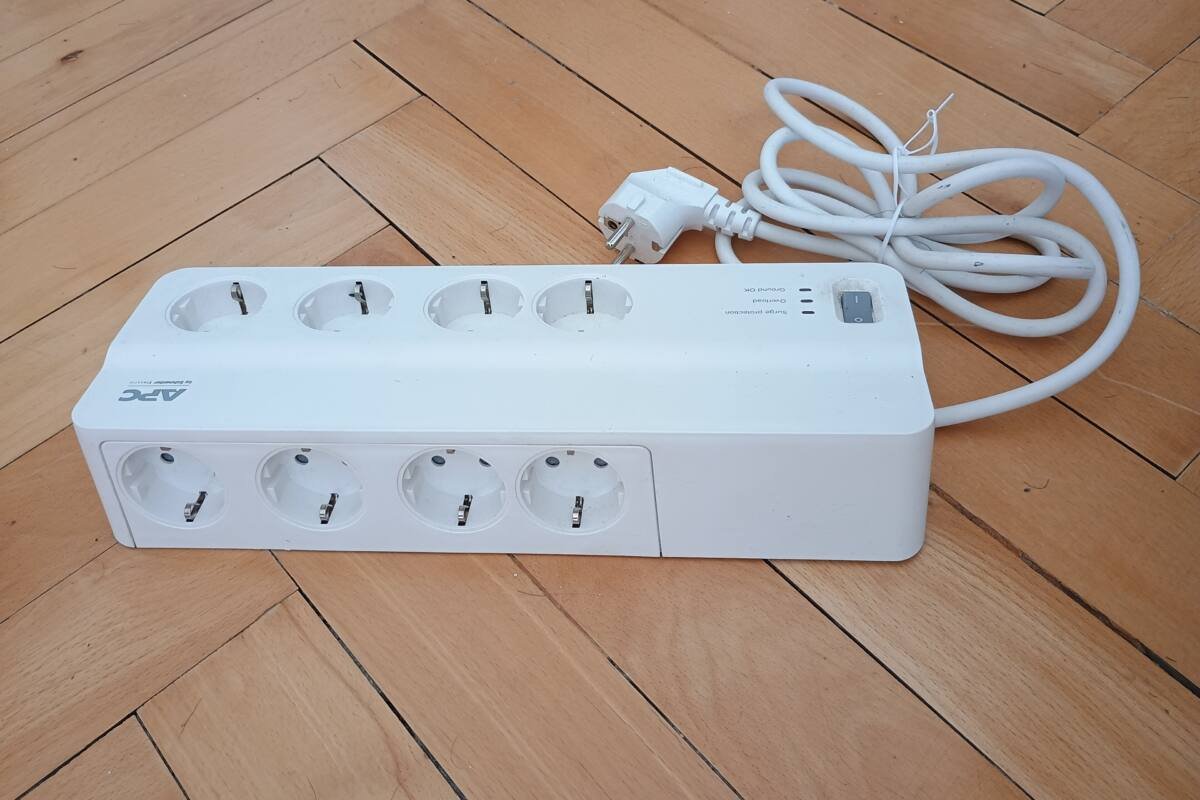
Featured image: Photo by Tony Webster via Wikimedia Commons, CC BY 2.0. Inline image: Photo by Roy Zuo via Wikimedia Commons, CC BY-SA 4.0.


No comments yet. Be the first to share your thoughts below.