
Affiliate disclosure: As an Amazon Associate we earn from qualifying purchases. Links to Amazon in this post may earn us a commission at no extra cost to you. Learn more.
This guide is for anyone who wants lamps, fans, coffee makers or a window air conditioner to switch on from a phone or a schedule, without rewiring anything or buying new appliances. A smart plug is the cheapest way into a smart home, and also the easiest place to buy the wrong thing. Everything below is based on manufacturer specs and published reviews, not our own testing.
What matters when buying a smart plug
Ecosystem and Matter
Start with the app or assistant you already use: Apple Home, Google Home, Alexa or SmartThings. Matter is the cross-brand standard that lets one plug work with several of them, and it is the main reason to pick a newer model over an older Wi-Fi-only plug. A Matter plug is not locked to the brand that made it, so if you switch from Alexa to Apple Home later, you do not have to rebuy everything.
There are two flavors. Wi-Fi Matter plugs connect straight to your router. Thread plugs, such as the Eve Energy, use a low-power mesh network and, according to Eve’s spec page, need a hub that works as both a Matter controller and a Thread border router. If you do not already own one, a Thread plug is not the simple choice.
Load rating
The number printed on the plug matters more than any app feature. Eve lists 120 V, 15 A and 1,800 W for its US model, and Reviewed lists 15 amp for the Wyze Plug and the TP-Link Tapo mini as well. That is plenty for lamps, chargers, fans and a coffee maker. Heaters and air conditioners pull a lot more current, so check both the plug’s rating and the appliance manual before plugging them in.
Energy monitoring
Seeing how much power a device uses is nice, but where you see it varies. BGR’s review of the Kasa KP125M points out that its energy monitoring only appears in the Kasa app, not in Apple Home, Google Home or Alexa, because Matter does not currently carry that data across. Eve says its plug reports energy use through its own app or your platform’s energy features, with availability varying by platform.
Size and what you can ignore
A plug that blocks the second outlet is annoying on a wall socket. Skip fancy color-changing or sound features, since they rarely matter for a plug, and ignore tiny differences in app polish.
Quick picks
TP-Link Kasa Smart Plug KP125M
Best for people who want Matter and energy tracking in one slim plug. TP-Link says it is Matter-certified and works with Alexa, Siri and Google Assistant. BGR calls it a good plug with solid advanced features, and Reviewed names it its overall pick, praising the slim design that does not block the second socket. The drawback is that energy monitoring stays inside the Kasa app, and Reviewed notes it is sold only in 2- or 4-packs. Find the Kasa KP125M on Amazon.
Eve Energy (Matter)
Best for Apple Home users and anyone building a Thread network. Eve lists Matter, Thread, energy monitoring, a manual button, a child lock for that button, and TUV and UL certifications. It works with Apple Home, Google Home, Alexa, SmartThings and Home Assistant. The drawback, per Eve, is the hub requirement for Thread, and Reviewed lists it as pricier than most rivals. Find the Eve Energy on Amazon.
TP-Link Tapo Smart Plug Mini
Best for tight spaces where a small Matter plug is the priority. Reviewed describes it as very small, Matter-certified, with usage stats and a 15 amp rating. Its drawback in that review was brief connectivity issues during setup, so give yourself a few minutes near the router the first time. Find the Tapo Mini on Amazon.
Wyze Plug
Best for Alexa or Google Assistant homes that want something simple. Reviewed lists it with a 15 amp rating, device runtime tracking and Alexa and Google Assistant support, and picked it as a best-value option. The drawbacks are no Matter support, no energy monitoring and no Siri. Find the Wyze Plug on Amazon.
Common mistakes
The first is buying a Thread plug with no Thread hub, which leaves it as a paperweight until you add one. The second is expecting energy numbers in your main smart home app when the plug only reports them in its own. The third is overloading a plug with a heater or other high-draw appliance. And the fourth is buying a four-pack when you only need one, since some models are sold in multi-packs only. If your smart home is already built around Apple gear, our look at Apple’s smart home gear that skips the camera subscription is a good companion read, and Ring’s first smart lock shows what a more serious smart home upgrade looks like.
Bottom Line
If you want one plug that works almost anywhere, pick a Matter model and check the load rating. If you live in Apple Home and already have a Thread hub, the Eve Energy is the tidy option. If you only use Alexa or Google and want it cheap and simple, the Wyze Plug fits. Do not pay extra for features you will never open.
FAQ
What does Matter change for a smart plug?
Matter lets a plug work with several smart home systems at once, such as Apple Home, Google Home, Alexa and SmartThings. You can switch platforms later without replacing the plug, though some extras, like energy monitoring on the Kasa KP125M, may stay inside the maker’s own app.
Can I use a smart plug with a space heater or air conditioner?
Only if both the plug’s rating and the appliance manual allow it. Many plugs are rated at 15 amps, but heaters and air conditioners can draw a lot of current. When in doubt, plug those straight into the wall.
Do smart plugs work without internet?
It depends on the model and your setup. Wi-Fi plugs generally need your router, and remote control from outside the house needs an internet connection. Thread plugs depend on a hub in your home. Check the maker’s support page for local control details.
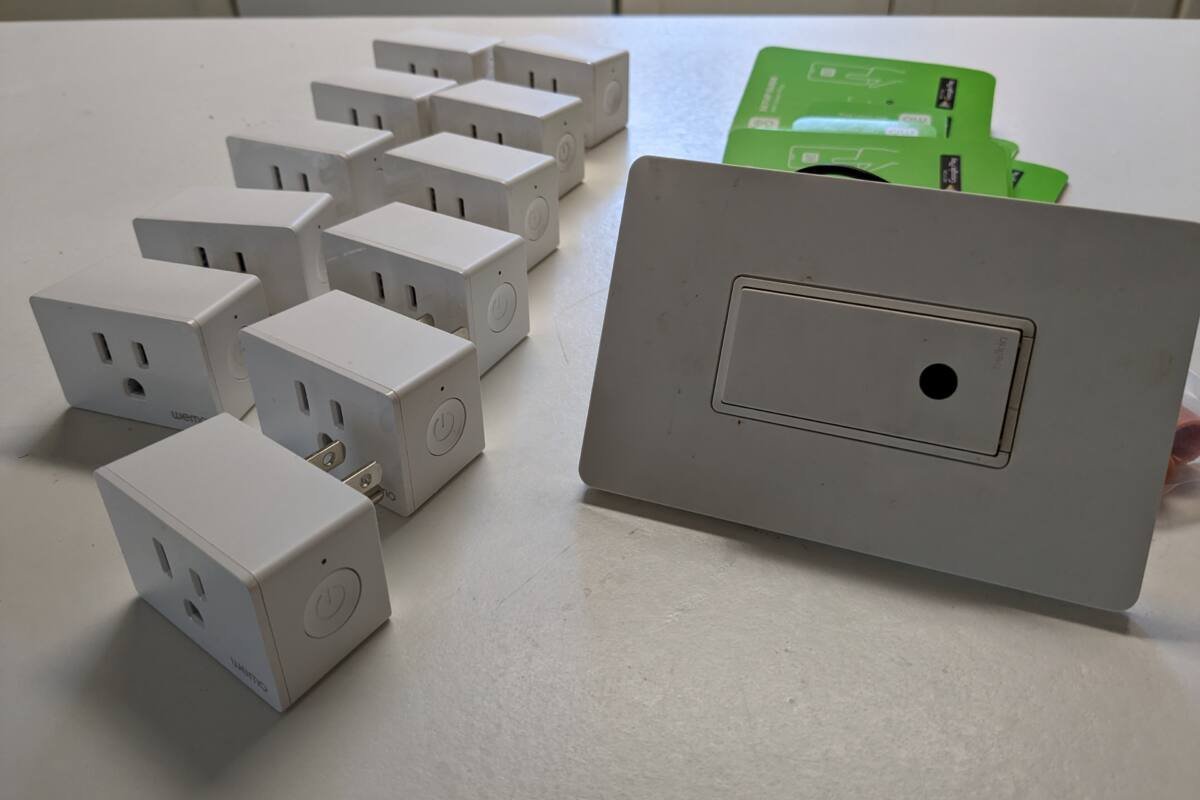
Featured image: Photo by Harborsparrow on Wikimedia Commons (CC BY-SA 4.0). Generic smart plugs, not one of the picks.


No comments yet. Be the first to share your thoughts below.