
Affiliate disclosure: As an Amazon Associate we earn from qualifying purchases. Links to Amazon in this post may earn us a commission at no extra cost to you. Learn more.
This guide is for people who spend hours on video calls with a laptop camera that makes them look like a blurry silhouette, and for anyone starting to teach, stream or record from a desk. You do not need a studio setup. You do need to know which specs change what the other person sees. A note on method: nobody here tested these cameras. What follows is based on manufacturer specs and published reviews, and we name the source for each claim.
What matters when buying
Resolution is the least important number. Many calling apps send 720p or 1080p video anyway, so a 4K sensor mainly helps if you record or crop in. Sensor quality and lens matter more. A larger sensor tends to cope better with dim rooms, which is why reviewers often pay close attention to low-light behavior.
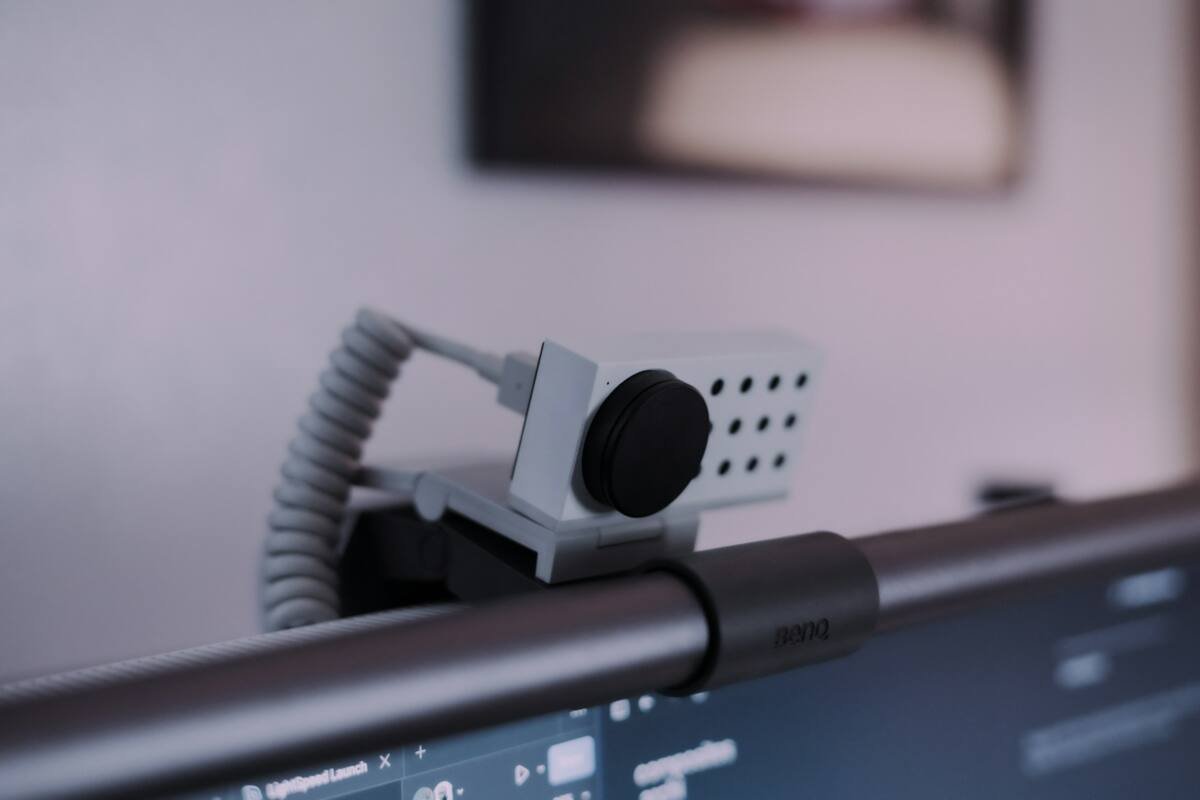
Field of view. A narrow view of around 58 degrees frames just you. A wider one, such as 90 degrees, fits a second person or a whiteboard but shows more of your room. Some cameras let you switch between several views.
Focus. Fixed focus is simple and works if you sit still at a normal distance. Autofocus helps if you lean in, hold up objects or move around.
Microphones and privacy. Built-in microphones are convenient but rarely match a headset or a dedicated mic, and reviewers often say so. A physical privacy shutter is worth having because it does not depend on software.
What to ignore. Marketing around AI tweaks, filters and frame rates above 30fps matters little for meetings. Spend the effort on lighting and camera height instead.
Quick picks
Three webcams for three different needs. They are not ranked.
Logitech Brio 100
Who it suits: Anyone who wants a straightforward upgrade over a built-in laptop camera for everyday calls.
Strengths, from retailer listings of Logitech’s specs and Logitech’s page: 1080p at up to 30fps, a 58-degree diagonal view, a slide-to-cover privacy shutter, a built-in microphone and a 5-foot cable. Logitech says its RightLight feature boosts brightness by up to 50% in its comparison with the C270.
Drawback: focus is fixed, and there is no zoom, so it suits people who sit at one distance from the screen. The listing also shows a USB-A connection, so check your computer’s ports. Check the Logitech Brio 100 on Amazon.
Logitech Brio 505
Who it suits: Remote workers who want sharper calls, autofocus and a choice of framing.
Strengths, per Logitech’s specifications page: 1080p at 30fps, a 4MP camera, a field of view you can set to 90, 78 or 65 degrees, autofocus, a glass lens, 4x digital zoom, RightLight 4 with HDR, stereo microphones and an integrated privacy shutter. It connects over USB-C. Wirecutter said in a January 2025 post that the Brio 505 is its best option for sharp Zoom calls if your laptop’s camera disappoints.
Drawback: Logitech’s page says the Logi Tune software is not available for Chrome OS, so Chromebook users will have fewer settings to adjust. Check the Logitech Brio 505 on Amazon.
Insta360 Link 2
Who it suits: Teachers, presenters and streamers who move around while they talk.
Strengths, according to TechRadar’s review by Alastair Jennings (January 2026): 4K video, a 1/2-inch sensor, AI subject tracking with hand-gesture control, a mechanical two-axis gimbal with roughly 270 degrees of rotation, dual noise-cancelling microphones and plug-and-play setup. The reviewer said the video looked clearly better than a MacBook Pro’s built-in camera and that it suits lectures, classes and content creation more than occasional business calls.
Drawbacks: the reviewer rated the built-in mic as average, noted that 4K is capped at 30fps, and said switching between landscape and portrait needs manual repositioning. It supports Windows 11 and macOS. Check the Insta360 Link 2 on Amazon.
Common mistakes
Buying 4K when a window behind you is the real problem. A bright background fools any camera, and sitting with a lamp facing you helps more than an upgrade. Another mistake is mounting the camera too low, which gives everyone an unflattering angle. Aim for eye level. Also check your operating system and port before ordering, since support for software like Logi Tune and the Insta360 controller varies by system.
A third mistake is ignoring the microphone. Viewers forgive a soft picture far sooner than muffled audio, and every camera here has a built-in mic. TechRadar, for one, rated the Insta360 Link 2 mic as average. If you talk for a living, a headset or separate microphone will do more for you than any camera upgrade. Finally, keep expectations realistic about software. Features such as tracking, framing and HDR often depend on a companion app, and those apps can behave differently on Windows, macOS and ChromeOS.
If a new laptop is also on your list, we covered one high-end option in our report on the Surface Laptop Ultra. Whatever you buy, the same lighting and placement advice applies.
Bottom Line
For most people, a simple 1080p camera with a privacy shutter and decent light solves the problem. Step up to the Brio 505 if you want autofocus and framing options, and consider the Insta360 Link 2 only if tracking and portrait modes fit how you work.
A quick way to decide: if you take a handful of calls a week from the same chair, the simple camera is plenty. If you present, teach or record content and want the camera to follow you or adjust framing for you, the extra features start to earn their keep. Either way, test your setup on a call with a friend before an important meeting, and adjust the lamp, camera height and background until you like what you see.
FAQ
Do I need a 4K webcam for video calls?
Usually not. Many calling apps compress or limit video, so 1080p is enough for most calls. 4K helps more with recording and cropping.
Is a privacy shutter worth it?
Yes, because it blocks the lens physically instead of relying on a software setting or an indicator light.
Will these work with my Chromebook or Mac?
It depends. Logitech lists Windows, macOS and ChromeOS support for the Brio 100 and Brio 505, though the Logi Tune software is not available on Chrome OS. TechRadar lists Windows 11 and macOS for the Insta360 Link 2.
Featured image: Photo by Stephen Okonkwo on Unsplash.


No comments yet. Be the first to share your thoughts below.