
Affiliate disclosure: As an Amazon Associate we earn from qualifying purchases. Links to Amazon in this post may earn us a commission at no extra cost to you. Learn more.
This guide is for anyone with a TV that is a few years old, or a newer set with a sluggish built-in menu, who wants a faster and simpler way to watch streaming apps. A streaming stick plugs into an HDMI port and is cheap enough to try, but the choice between Amazon, Roku and Google comes down to a handful of details that are easy to miss. Everything here is based on manufacturer specs and published reviews, not our own testing.
What matters when buying a streaming stick
Picture formats your TV can actually show
Almost every current stick outputs 4K at 60 frames per second. What differs is HDR support. Dolby Vision, HDR10+ and HLG are different standards, and your TV only benefits from the ones it supports. Roku lists Dolby Vision, HDR10+ and HLG for its Streaming Stick 4K. Amazon’s developer specs list Dolby Vision, HDR10+, HDR10 and HLG for the Fire TV Stick 4K Max, but only HDR10, HDR10+ and HLG for the Fire TV Stick 4K Select. If your TV is a Dolby Vision set, that difference matters.
Wi-Fi and speed
A stick lives or dies on its wireless connection. The Fire TV Stick 4K Max has Wi-Fi 6E, but Expert Reviews notes that only helps if your router supports it. Roku’s Streaming Stick 4K lists dual-band 802.11ac and includes a long-range receiver that connects via USB, which is handy when the TV sits far from the router. Storage and memory matter too: Amazon lists 16 GB and 2 GB for the Max versus 8 GB and 1 GB for the Select.
The ecosystem, not the hardware
The interface will shape your daily experience more than the chip. Reviewers consistently say Fire TV leans toward Amazon’s own content, according to Stuff and Expert Reviews. Roku is a neutral hub with wide app support, and Google TV leans on recommendations and Google Home integration. If you use an iPhone a lot, AirPlay support is worth checking.
Quick picks
Amazon Fire TV Stick 4K Max (2nd gen)
Best for people who want the fastest stick and do not mind Amazon’s interface. Per Amazon’s specs it has a quad-core processor up to 2 GHz, 2 GB of RAM, 16 GB of storage, Wi-Fi 6E and support for Dolby Vision, HDR10+ and HLG. Expert Reviews called it the best all-round streaming stick and praised its speed. The drawbacks it cites are the heavy focus on Amazon services and a limited app store. Find the Fire TV Stick 4K Max on Amazon.
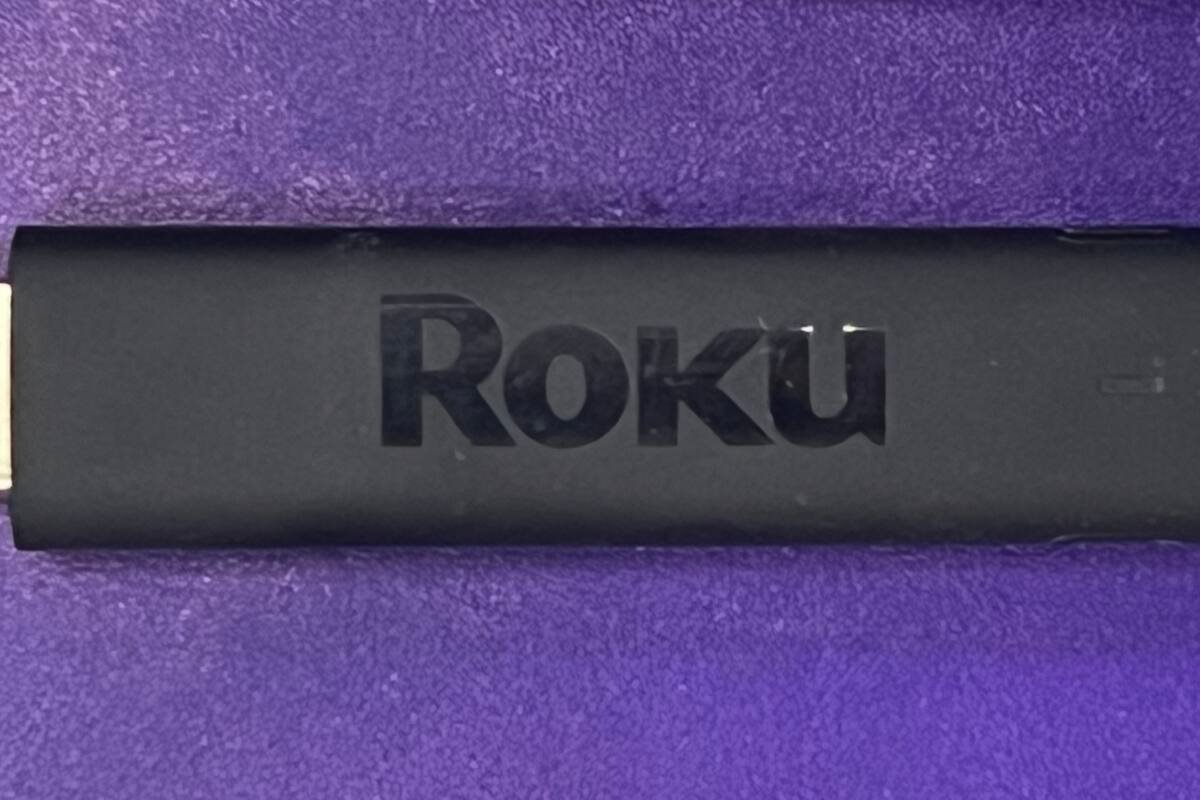
Roku Streaming Stick 4K
Best for people who want a neutral interface and a long-range Wi-Fi receiver. Roku lists 4K at up to 60 fps, Dolby Vision, HDR10+ and HLG, a Voice Remote with TV power and volume buttons, and compatibility with Apple AirPlay and HomeKit. The stick draws under 3.5 W while streaming 4K, per Roku. Stuff notes the drawbacks: no Chromecast support and limited games and audio apps. Find the Roku Streaming Stick 4K on Amazon.
Google TV Streamer
Best for people with a Google Home setup who want a hub as well. It is a small box, not a stick. Google lists up to 4K HDR with Dolby Vision, Dolby Atmos, a built-in Ethernet port, 32 GB of storage, 4 GB of memory and a Matter and Thread smart home hub. Stuff praised the interface and remote but said its recommendations are weak. The drawback to know up front is that an HDMI 2.1 cable is required and sold separately, per Google’s page. Find the Google TV Streamer on Amazon.
Amazon Fire TV Stick 4K Select
Best for someone already deep in the Amazon ecosystem who wants a simple, low-cost stick. It runs Amazon’s new Linux-based Vega OS, and Tom’s Guide says it has strong picture quality with HDR10+ and easy setup. But that review lists no Dolby Vision or Dolby Atmos, Wi-Fi 5, and a new software platform that still feels unfinished, with no app sideloading. Tom’s Guide called it a sidegrade and said Roku looks like the better value for buyers outside Amazon’s ecosystem. Find the Fire TV Stick 4K Select on Amazon.
Common mistakes
The biggest is assuming all 4K sticks look the same. If your TV supports Dolby Vision, a stick without it leaves picture quality on the table. Another is buying on the promise of Wi-Fi 6E with a router that does not support it. A third is ignoring the interface, because you will see it every day. And a fourth is forgetting that many smart TVs already have solid apps built in, so you may only need a stick if yours is slow. If you are weighing a pricier box, our piece on the Apple TV 4K covers Apple’s option, and people using AI to make smart TVs dumb again looks at what some people do to take back control of their smart TVs.
Bottom Line
If your TV supports Dolby Vision and you do not mind Amazon’s front page, the Fire TV Stick 4K Max is the one Expert Reviews praised for speed. If you want a neutral interface, the Roku Streaming Stick 4K fits. If you run a Google Home setup, the Google TV Streamer is the more capable device, though it is a box. The Fire TV Stick 4K Select is only for people who want the cheapest way into Fire TV and accept its limits.
FAQ
Do I need a 4K TV to use a 4K streaming stick?
No. Sticks like these work on 1080p TVs, but you will not see extra detail. They are worth it mainly if you have, or plan to buy, a 4K set. Check your TV’s HDR support to see which formats it can display.
Is a streaming stick better than my smart TV’s built-in apps?
Often, if your TV is older or slow. A stick brings a faster processor and a regularly updated app store. If your TV already runs smoothly and has all your apps, you may not need one.
How do I power a streaming stick?
Most sticks use a USB power connection. Roku lists a 5V, 1A input for its Streaming Stick 4K and says it draws under 3.5 W while streaming 4K. A dedicated wall adapter is a safe default if your TV’s USB port is weak.
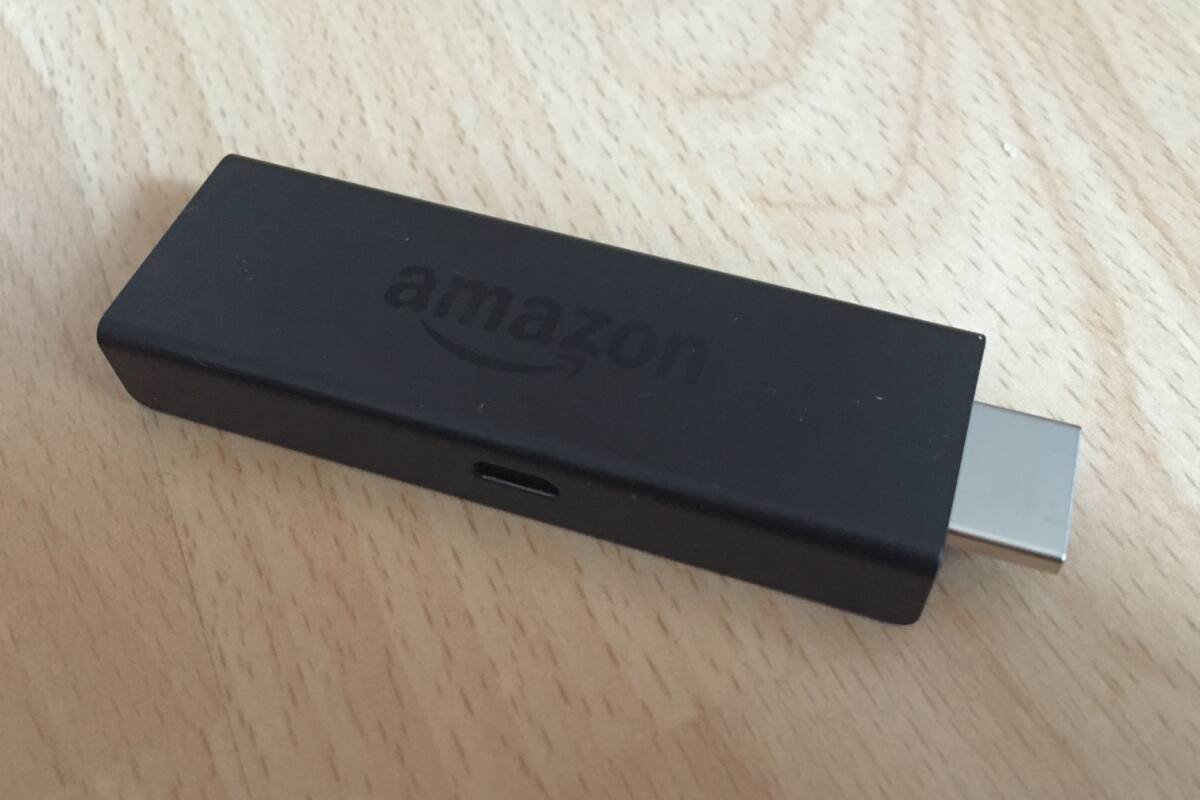
Featured image: Photo by ubahnverleih on Wikimedia Commons (CC0). An Amazon Fire TV Stick, shown as a file photo that may not match the current model.


No comments yet. Be the first to share your thoughts below.