
Affiliate disclosure: As an Amazon Associate we earn from qualifying purchases. Links to Amazon in this post may earn us a commission at no extra cost to you. Learn more.
This guide is for PC players who have been getting by on a keyboard, a worn-out console pad or whatever came in a bundle, and want a controller that will last. The category is crowded and full of jargon, so I have tried to sort the specs that change how a controller feels from the ones that are mostly packaging.
One note on method. Nobody here has tested these controllers. The picks below come from manufacturer specs and published reviews, mainly Microsoft’s Xbox page, 8BitDo’s product page and TechRadar’s PC controller roundup, last updated August 26, 2026.
What matters when buying
Thumbstick sensors and drift
Stick drift, where the cursor or camera moves without you touching anything, is the classic way pads die. Traditional sticks use physical contacts that wear down. Newer controllers use magnetic sensors, usually called Hall effect or TMR (tunnel magnetoresistance), which do not rely on that contact. TechRadar describes the TMR sticks on both 8BitDo picks below as drift-resistant while keeping a traditional analog feel. That does not make drift impossible, but it is a better bet than an older design.
How it connects
Most pads offer a mix of wired USB-C, Bluetooth and a 2.4GHz wireless dongle or dock. Bluetooth is convenient and works with phones and tablets. A 2.4GHz connection is typically the more responsive option for fast games. 8BitDo says the Ultimate 2 polls at 1000Hz over 2.4G and wired connections, based on its own lab data in ideal conditions, so treat that as a ceiling, not a promise.
Battery and charging
The Xbox Wireless Controller runs on AA batteries and Microsoft rates it at up to 40 hours in its own testing, with a rechargeable pack sold as a separate accessory. The 8BitDo and GameSir controllers use built-in rechargeable batteries, and TechRadar lists roughly 10 to 15 hours for the Ultimate 2, 15 to 20 hours for the Pro 3 and about 12 hours for the Tarantula Pro. Docks that charge the controller when you set it down are a quiet quality-of-life upgrade.
Back paddles, triggers and layout
Extra buttons on the back let you keep your thumbs on the sticks while you jump or reload. Trigger locks shorten the pull for shooters. Face button layout matters if you also play Nintendo games, because the A and B positions are swapped compared with Xbox. Ignore RGB lighting; TechRadar notes it eats battery on the Ultimate 2.
Quick picks
Xbox Wireless Controller: the safe default
Who it suits: anyone who wants something that just works with Windows and most games. Microsoft lists compatibility with Xbox consoles, Windows 10 and 11, Android and iOS, a 3.5mm headset jack, a hybrid D-pad and a share button, plus button remapping in the Xbox Accessories app. The drawback: it takes AA batteries out of the box, and the rechargeable pack is extra. The Windows remapping app also needs a USB-C cable that is sold separately. If you like the idea of a smaller Xbox pad, see our coverage of the Xbox Nano Controller. See the Xbox Wireless Controller on Amazon.
8BitDo Ultimate 2: TechRadar’s pick for best overall
Who it suits: PC players who want paddles, a dock and drift-resistant sticks. 8BitDo says it has TMR joysticks, two Pro back paddle buttons, remappable Fast Bumpers and an included charging dock, with 2.4G wireless and wired connections for Windows and Bluetooth for Android and Apple devices. TechRadar names it best overall. The drawback: TechRadar says the RGB rings drain the battery, battery life is worse than the original, and the Switch-compatible version is sold separately, since 8BitDo’s page does not list Switch. Check the 8BitDo Ultimate 2 on Amazon.
8BitDo Pro 3: TechRadar’s pick for best budget
Who it suits: players who want similar sticks and a good D-pad without paying for extras. TechRadar lists TMR sticks, precise analog triggers, trigger locks, hot-swappable magnetic face buttons, 15 to 20 hours of battery and a charging dock. The drawback: TechRadar says the Start and Select buttons are crowded and feel mushy, there is no 3.5mm headphone jack, and it does not work with Xbox or PlayStation consoles. View the 8BitDo Pro 3 on Amazon.
GameSir Tarantula Pro: the switchable layout
Who it suits: people who play both Xbox-style and Nintendo-style games. TechRadar’s best symmetrical pick has LED-based switching between Xbox and Nintendo face button layouts, TMR sticks, rumble, macros and what it calls stellar build quality, with 2.4GHz, Bluetooth and wired connections and about 12 hours of battery. The drawback: the central buttons are small and the charging stand costs extra. Look up the GameSir Tarantula Pro on Amazon.
Common mistakes
The first is buying a controller built for another platform and assuming it will work on PC. Always check the supported platforms on the maker’s page, as the Switch-version caveat on the Ultimate 2 shows. The second is paying for features you will never map, like six back buttons you will not use. The third is choosing Bluetooth for a competitive shooter when a wireless dongle or wired mode is available. The fourth is judging by looks. Comfort matters more than colour, and weight is a good clue: TechRadar lists the Pro 3 at 242 grams and the Tarantula Pro at 325.
If you also use a mouse for work, our guide to choosing a wireless mouse covers the same wireless trade-offs.
Bottom Line
If you want the least fuss, the Xbox Wireless Controller is hard to beat for PC compatibility. If you want drift-resistant sticks and back paddles, TechRadar’s picks of the 8BitDo Ultimate 2 and Pro 3 are worth a look, and the GameSir Tarantula Pro suits people who also play Nintendo-style layouts. Check what is currently in stock before you buy.
FAQ
What is stick drift?
It is when a thumbstick registers movement without you touching it, usually because the sensor has worn. Controllers with Hall effect or TMR magnetic sensors are designed to avoid the contact wear that causes it.
Should I choose a wired or wireless controller?
Wireless offers freedom, and a 2.4GHz connection is generally more responsive than Bluetooth. Wired avoids battery concerns, and the 8BitDo and GameSir models here all list a wired USB-C mode. If you play competitive games, pick a model with a wired or dongle mode.
Will an Xbox controller work on a PC?
Yes. Microsoft lists Windows 10 and 11 as supported, using Bluetooth. The Xbox Accessories app on Windows needs a USB-C cable for button remapping.
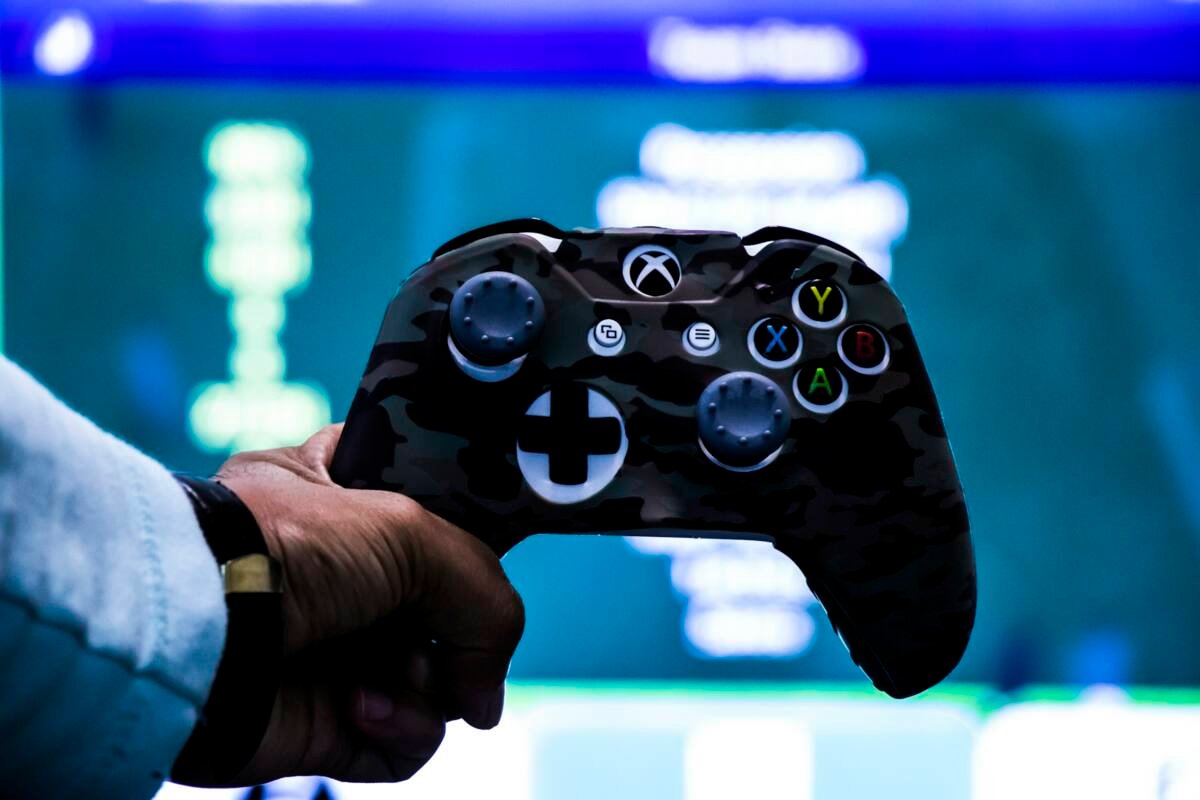
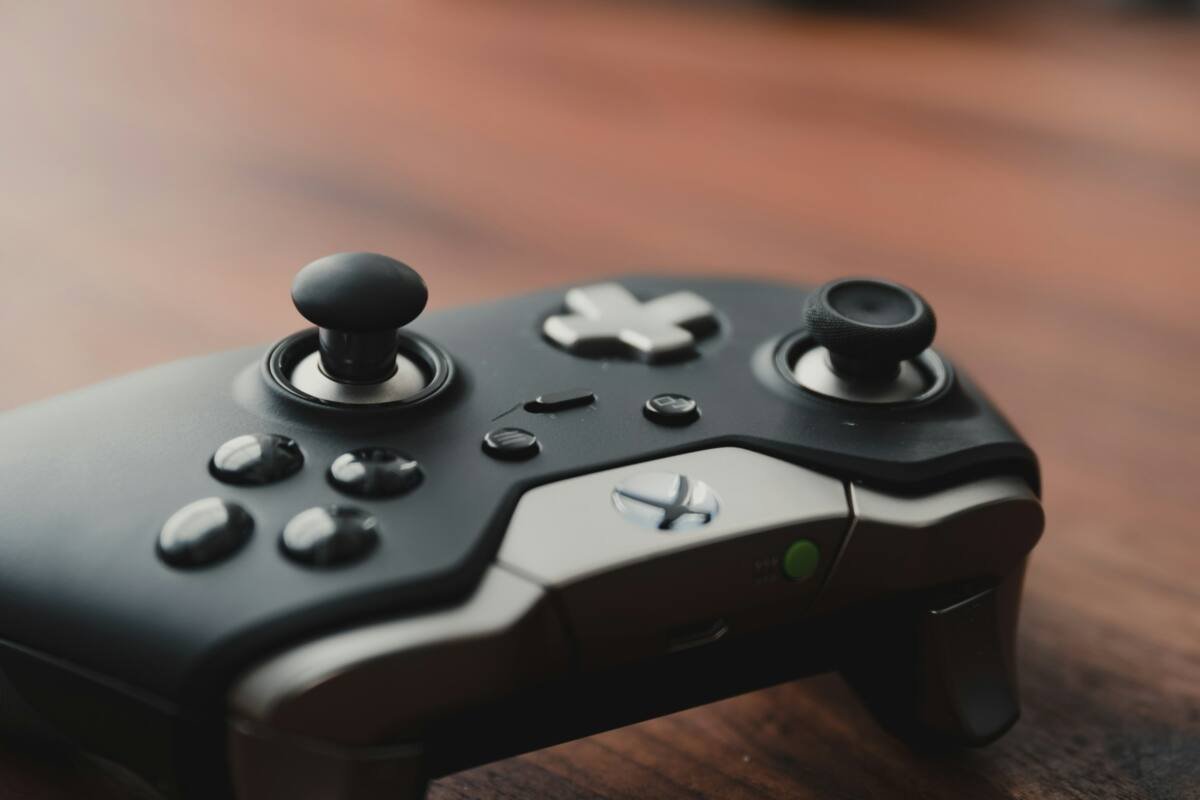
Featured image: Photo by Sadshah on Unsplash. Inline photo by Max Andrey on Unsplash. Specs from Microsoft, 8BitDo and TechRadar; no hands-on testing.


No comments yet. Be the first to share your thoughts below.