Just twelve days after launch, iPhone 18 Pro and Pro Max owners are reporting an odd new problem: an audible crackle, pop, or tick coming from the earpiece speaker. If you’ve noticed it on your own phone, you are not imagining things, and you are far from alone.
What the Sound Actually Is, and When It Happens
Reports across MacRumors forums and Reddit describe the noise inconsistently: a faint tick, a sharp pop, a raspy crackle, or random clicking. Some owners hear it constantly, while others only notice it during specific actions — scrolling a webpage, receiving a notification, opening the keyboard, making a cellular call, toggling Airplane Mode on and off, or rapidly adjusting screen brightness. One Reddit user described the sound as sharp enough to hurt their ear the first time it happened. Both the iPhone 18 Pro and iPhone 18 Pro Max, which went on sale September 18 starting at $1,199 in the US, appear to be affected.
Replacement Units Have the Same Problem
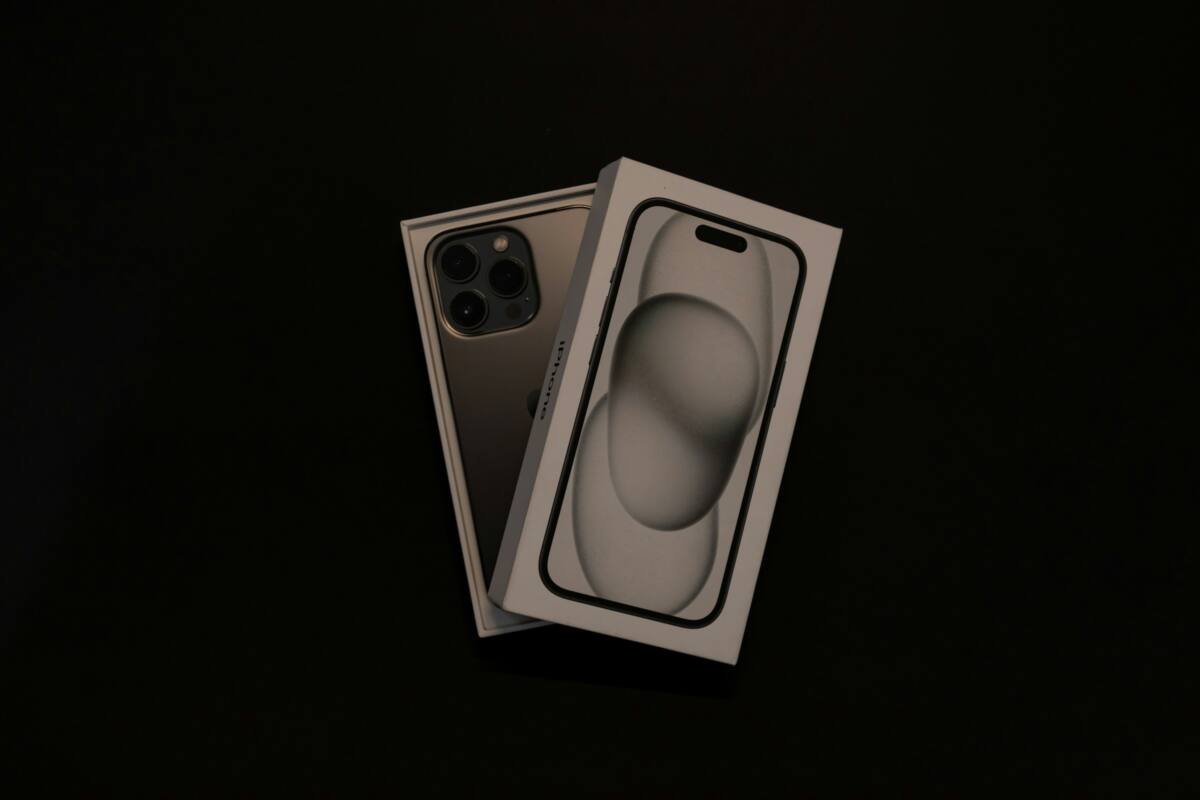
This is the detail that matters most for anyone considering a swap: multiple users who returned their iPhone 18 Pro specifically to get a replacement report that the second unit exhibited the exact same crackling issue. That pattern suggests the problem may not be an isolated manufacturing defect affecting a small batch of devices, but something closer to a systemic issue across the line — though Apple has not confirmed a root cause, and has not publicly commented on the complaints at all as of this writing.
The iOS Update That Didn’t Fix It
Apple released iOS 27.0.1 on September 28, specifically targeting a separate bug that caused some iPhone 18 Pro units to freeze and restart when Face ID authentication failed. The release notes made no mention of the speaker issue, and early feedback from affected users confirms the crackling persists unchanged after installing the update. That timing rules out one easy hope: whatever is causing this, it wasn’t accidentally fixed as a side effect of the Face ID patch.
One Workaround Worth Trying
While there’s no confirmed fix, at least one user-reported workaround has circulated: switching your phone’s audio setting from “Voice Isolation” to “Standard” mode reportedly produces “way less crackling” for some affected owners. You can check this under Control Center during a call, or in the Phone app’s microphone mode settings. It’s not a guaranteed cure — some users report the issue persists regardless of mode — but it costs nothing to try and has worked for at least some people experiencing milder versions of the problem.
Bottom Line
This marks the third distinct issue reported since the iPhone 18 Pro lineup launched, following the Face ID restart bug and earlier display line defect complaints. It’s genuinely unclear yet whether this is a software bug Apple can patch or a hardware issue baked into current units, and Apple’s silence so far doesn’t help narrow that down. If you’re experiencing it, try the Voice Isolation workaround first; if the crackling persists and bothers you enough, your main official options remain waiting for a future software update or pursuing a replacement through Apple Support, with the caveat that a replacement is not a guaranteed fix based on current reports.
FAQ
Does iOS 27.0.1 fix the speaker crackling?
No. The update addresses a separate Face ID restart bug, and early user feedback confirms the crackling issue remains present after installing it.
Will getting a replacement iPhone fix the problem?
Not reliably. Multiple users who exchanged their units specifically to avoid the issue report their replacement devices have the same crackling problem.
Is this a hardware or software issue?
It’s not yet confirmed either way. Apple has not identified a root cause or commented publicly on the complaints as of this writing.